Powered by TuneBoto Video One
Netflix Video Downloader
Download Netflix movies and TV shows to MP4 or MKV in HD quality. Watch Netflix offline on any device without expiration.
* For personal use only.
Download Netflix movies and TV shows to MP4 or MKV in HD quality. Watch Netflix offline on any device without expiration.
* For personal use only.
Netflix provides offline viewing, but with several limitations that affect flexibility and device usage.
Downloaded videos may expire depending on licensing terms.
Netflix downloads can only be played inside the Netflix application.
Netflix does not allow exporting videos as MP4 or MKV files.
Titles may be removed when licensing agreements change.
TuneBoto Video One helps users save Netflix videos in widely supported formats for offline playback.
Export Netflix videos in standard formats compatible with most devices.
Supports up to 1080p resolution depending on source availability.
Preserve available audio tracks and subtitle options.
Download multiple episodes or full seasons efficiently.
Watch downloaded videos without an internet connection.
Transfer files to phones, tablets, TVs, or USB drives.
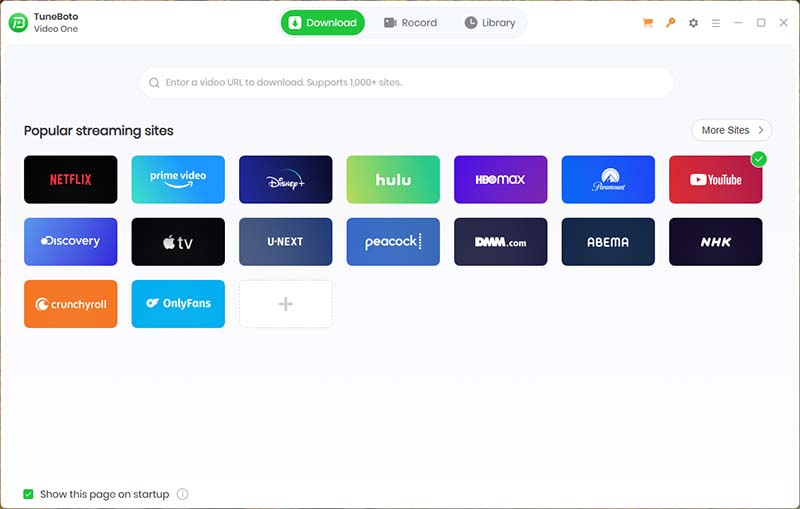
TuneBoto Video One is an all-in-one streaming video downloader supporting Netflix, Prime Video, Disney+, Hulu, Max, Apple TV+, Paramount+, Peacock, Crunchyroll, Abema and 1000+ websites.
Instead of installing multiple download tools, use one powerful application to save videos from your favorite streaming services.
| Feature | Netflix App | TuneBoto Video One |
|---|---|---|
| Offline Viewing | ✓ | ✓ |
| MP4 Output | ✗ | ✓ |
| MKV Output | ✗ | ✓ |
| Keep Forever | ✗ | ✓ |
| Transfer to Other Devices | ✗ | ✓ |
| Watch After Subscription Ends | ✗ | ✓ |
Download Netflix movies and TV shows in just a few simple steps.
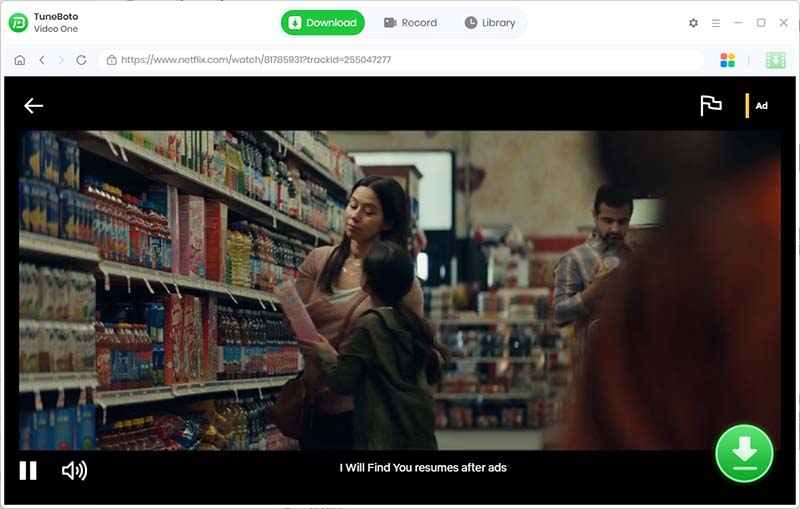
Download and launch TuneBoto Video One on your Windows PC or Mac.
Explore more ways to download your favorite movies, shows, and videos with TuneBoto Video One.
Save Netflix movies and TV shows in MP4 or MKV format and watch them anytime on any device.