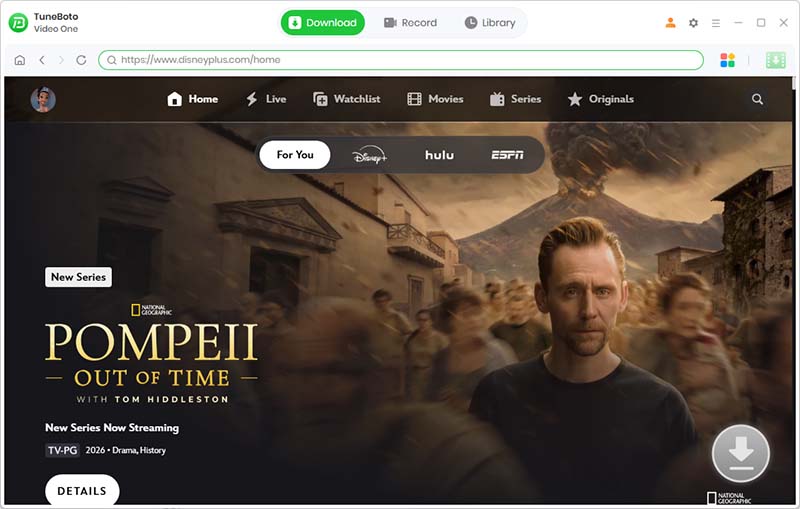
Disney Plus Video Downloader

Download Disney+ Movies & Series for Offline Viewing

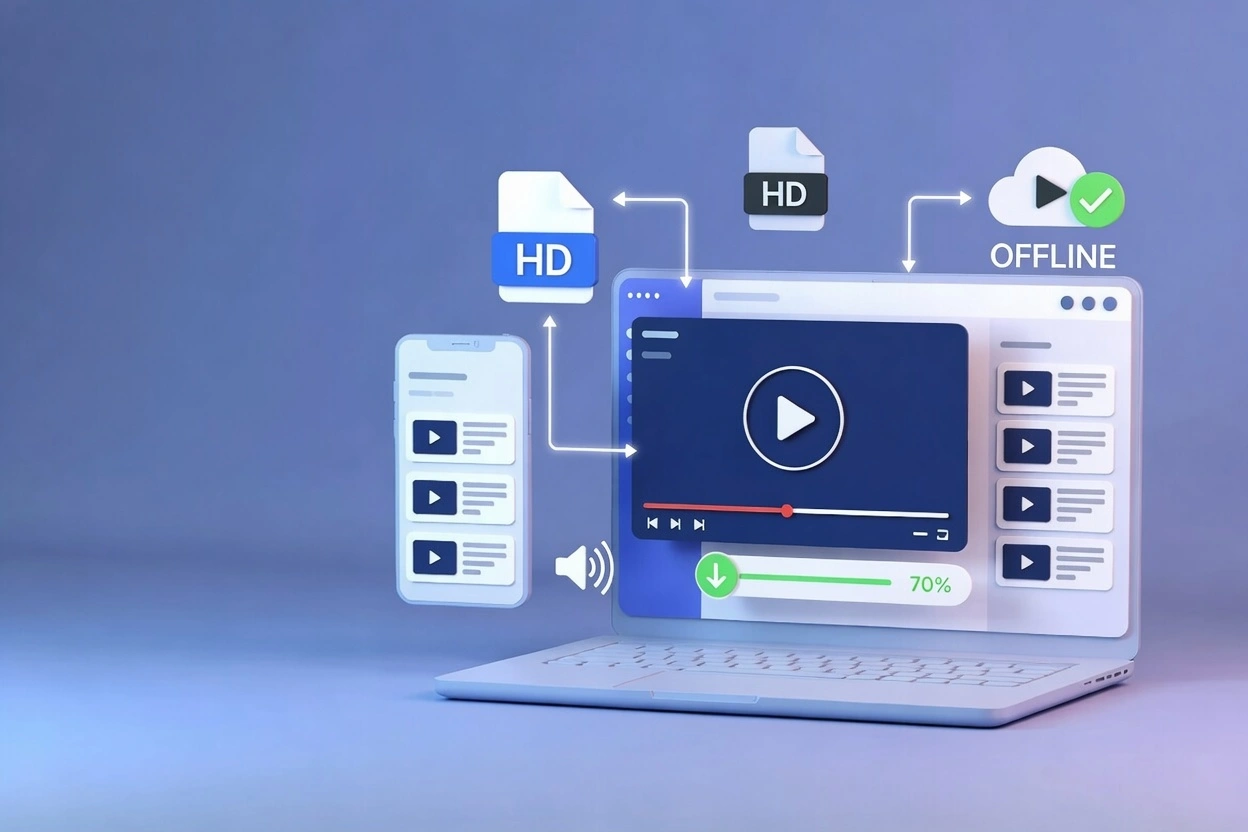
Download Disney+ movies, TV shows, Marvel, Pixar, Star Wars, and exclusive originals with TuneBoto Video One. Enjoy offline playback without internet limitations or app restrictions.

  • Checkmark icon
    Download Disney+ movies and complete TV series
  • Checkmark icon
    Save Disney Plus videos for offline watching
  • Checkmark icon
    Watch Disney+ without internet connection
  • Checkmark icon
    Play downloaded videos on more devices
  • Checkmark icon
    Keep HD quality with subtitles and audio tracks
Free Download Buy Now
Disney Plus Video Downloader
Disney Plus supported
Disney+ Supported
Windows Mac support
Windows & Mac
Safe and secure
Safe & Secure
Regular updates
Regular Updates
Download Disney Plus videos for offline viewing

Download Disney+ Videos Without App Restrictions

Disney+ provides an official download feature for offline viewing, but downloaded content is protected and can only be watched inside the Disney+ app.

This means you cannot freely move downloaded Disney+ videos to other devices, play them with different media players, or keep access after your subscription changes.

TuneBoto Video One offers a more flexible way to save Disney+ movies and series for offline entertainment, allowing you to enjoy your favorite content with fewer playback limitations.

  • Checkmark icon
    Download Disney+ movies and TV episodes for offline viewing
  • Checkmark icon
    Watch Disney+ content without an internet connection
  • Checkmark icon
    Enjoy flexible playback beyond the Disney+ application
  • Checkmark icon
    Create your own offline Disney+ video library

Why Choose TuneBoto Disney Plus Video Downloader?

Enjoy a more flexible way to download, manage, and watch Disney+ videos offline.

Disney Plus offline downloads

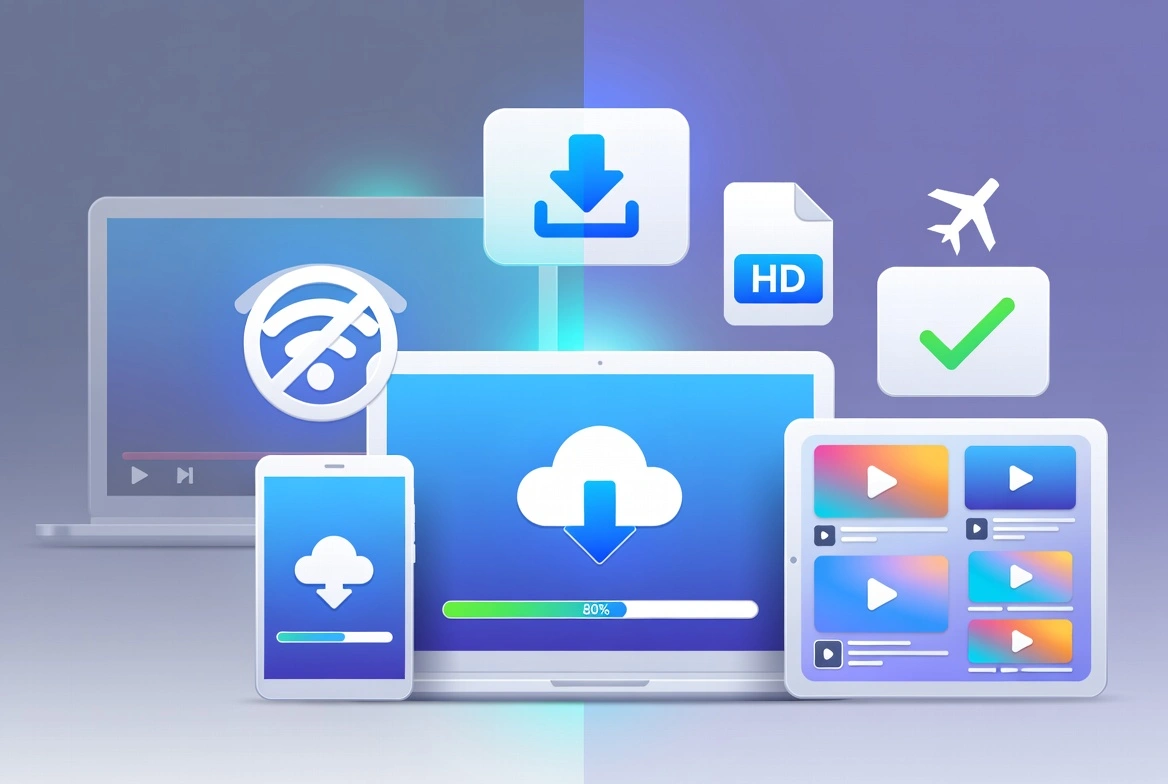
Enjoy Disney+ Offline Anywhere

Download Disney+ movies and series for offline viewing and enjoy entertainment during flights, travel, or places without stable internet access.

Disney Plus download on Windows and Mac

Flexible Windows & Mac Playback

Watch downloaded Disney+ videos on your computer without being limited to mobile apps or a single viewing environment.

Manage Disney Plus video library

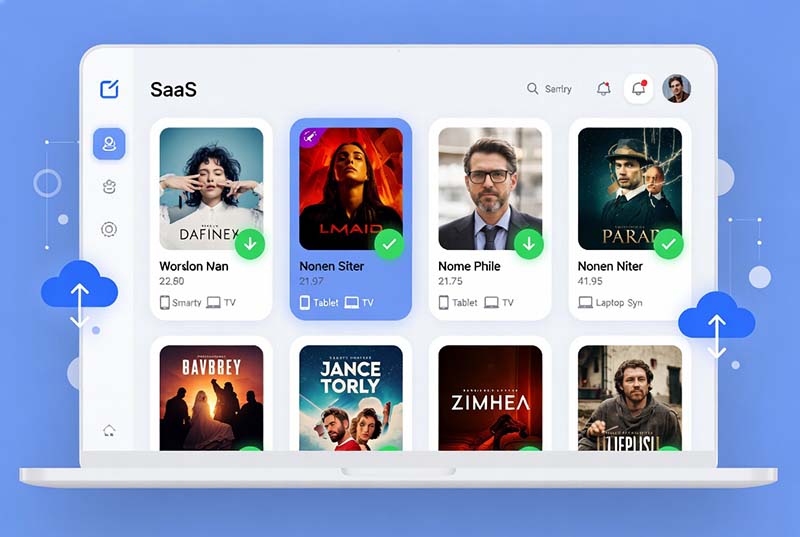
Manage Your Personal Video Library

Organize your downloaded Disney+ movies and shows in a more flexible way for easier access and long-term offline enjoyment.

Key Features of TuneBoto Disney Plus Video Downloader

Download, manage, and enjoy your favorite Disney+ entertainment with more flexibility.

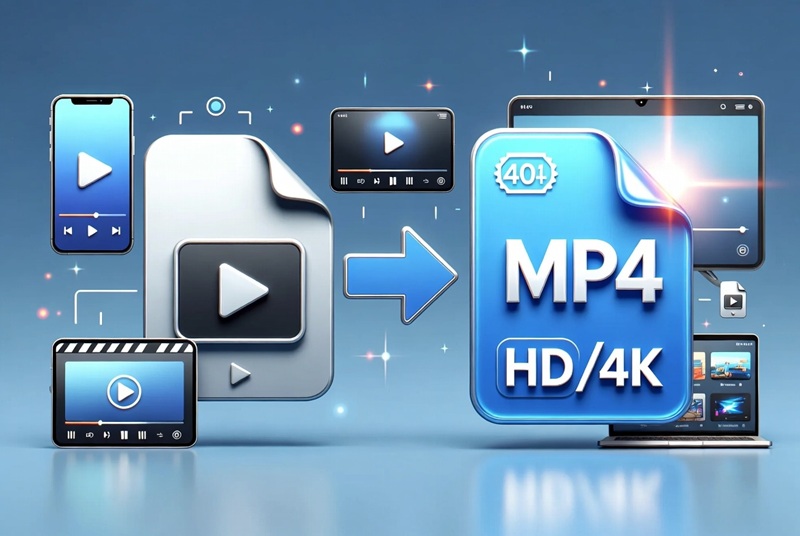
Download Disney Plus movies in high quality

Download Disney+ Movies & Series in High Quality

Save Disney+ movies, TV shows, and exclusive originals with excellent video quality for offline entertainment.

Whether you want to watch the latest releases or revisit your favorite classics, TuneBoto Video One helps you enjoy Disney+ content without relying on internet availability.

  • Checkmark icon
    Download movies and complete episodes
  • Checkmark icon
    Enjoy smooth offline playback
Keep Disney Plus subtitles and audio tracks

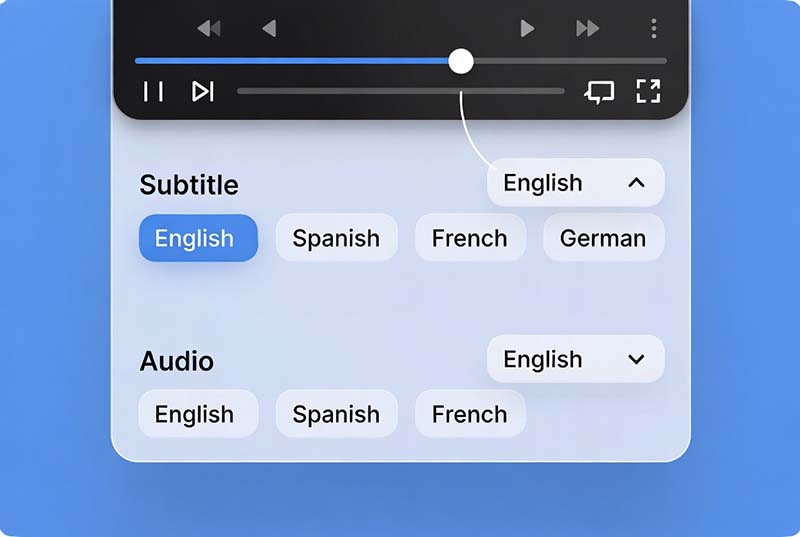
Keep Multiple Audio Tracks & Subtitles

Disney+ offers content for audiences around the world. TuneBoto Video One helps preserve available audio languages and subtitles for a better viewing experience.

Enjoy international movies, animated stories, and TV series with your preferred language settings.

  • Checkmark icon
    Support multilingual audio options
  • Checkmark icon
    Keep subtitles for offline viewing
Download Marvel Pixar Star Wars Disney Plus content

Save Your Favorite Disney Worlds Offline

From Marvel adventures and Star Wars sagas to Pixar animations and Disney classics, Disney+ offers generations of entertainment worth revisiting.

Create a more flexible offline collection and enjoy your favorite stories whenever and wherever you want.

  • Checkmark icon
    Marvel movies and superhero adventures
  • Checkmark icon
    Pixar animations and Disney classics
  • Checkmark icon
    Star Wars series and adventures
Watch Disney Plus videos offline with family

Perfect for Family Entertainment Anywhere

Keep family-friendly Disney+ entertainment available during road trips, vacations, flights, and places with limited internet access.

Download once and enjoy your favorite movies and shows whenever your family wants to watch.

  • Checkmark icon
    Great for travel and offline entertainment
  • Checkmark icon
    Enjoy videos across different devices

How to Download Disney+ Videos with TuneBoto Video One

Follow a few simple steps to save Disney+ movies and series for offline viewing.

Step 1
Step 2
Step 3
Step 4
How to download Disney Plus videos using TuneBoto Video One

Open TuneBoto Video One

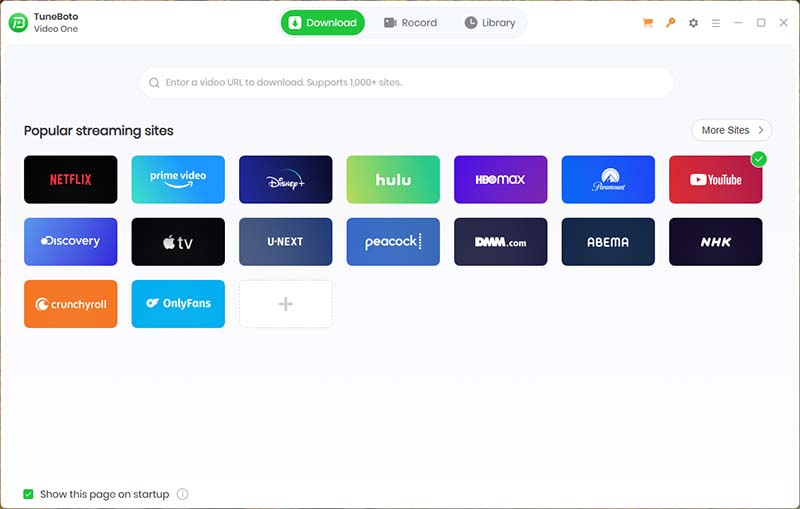
Launch TuneBoto Video One on your Windows or Mac computer and select Disney+ from supported streaming services.

Disney+ Official Download vs TuneBoto Video One

Compare official offline viewing with a more flexible video management solution.

Feature Disney+ Official Download TuneBoto Video One
Offline Viewing ✓ Yes ✓ Yes
Requires Disney+ App ✓ Required ✗ More Flexible Playback
Windows & Mac Support Limited ✓ Supported
Watch Without Internet Limited by App Rules ✓ Flexible Offline Viewing
Manage Personal Video Library ✗ Not Available ✓ Supported
Transfer Videos Between Devices ✗ Not Supported ✓ More Device Flexibility
Audio Tracks & Subtitles App Controlled ✓ Preserve Available Options

Create Your Disney+ Offline Video Collection

Enjoy your favorite Disney+ movies and series with a more flexible offline viewing experience.

Watch Downloaded Disney+ Videos on More Devices

Download once. Enjoy your favorite Disney+ movies and series wherever you watch.

Watch downloaded Disney Plus videos on Windows PC

Windows PC

Watch downloaded Disney Plus videos on Mac

Mac

Play downloaded Disney Plus movies on mobile devices

Mobile Devices

Watch downloaded Disney Plus videos on tablets

Tablets

Play downloaded Disney Plus videos on Smart TV

Smart TVs

Play downloaded Disney Plus videos with media players

Media Players

Enjoy downloaded Disney+ movies, Marvel adventures, Pixar animations, and family entertainment on the devices you already use.

Build a flexible offline viewing experience for travel, home entertainment, and everyday watching.

TuneBoto Video One supports multiple streaming platforms

More Than a Disney+ Video Downloader

TuneBoto Disney Plus Video Downloader is powered by TuneBoto Video One, an all-in-one streaming downloader designed for users who enjoy content from multiple platforms.

Instead of installing different downloaders for each service, one powerful application helps you manage videos from popular streaming platforms with regular updates and expanded compatibility.

1000+

Supported Platforms

HD

Video Quality

24/7

Updates

Why Millions Choose TuneBoto

A trusted solution for flexible offline video entertainment.

Trusted video downloader

Trusted Experience

Years of experience developing streaming video solutions.

Windows Mac support

Windows & Mac Support

Enjoy flexible downloads across desktop platforms.

Safe and secure software

Safe & Reliable

Clean software with secure download technology.

Regular software updates

Continuous Updates

Regular improvements for new streaming changes.

"Easy to use and works great for keeping my favorite movies available offline during trips."

Verified User
Windows User

"I like having one tool for multiple streaming services instead of separate applications."

Verified User
Mac User

"The interface is simple and the download process is straightforward."

Verified User
Video Enthusiast

More Streaming Video Downloaders

Explore more ways to download your favorite movies, shows, and videos with TuneBoto Video One.

Start Building Your Disney+ Offline Video Library Today

Download Disney+ movies and series with TuneBoto Video One and enjoy a more flexible way to watch your favorite entertainment anytime.

Frequently Asked Questions

Find answers to common questions about downloading Disney+ videos.

Yes. TuneBoto Video One allows users to download Disney+ movies and series for flexible offline viewing on supported devices.
Install TuneBoto Video One on your Windows or Mac computer, search for Disney+ content, select download settings, and start saving videos for offline playback.
Official Disney+ downloads are managed within the Disney+ application and may be affected by app rules, availability, and subscription status. TuneBoto Video One provides a more flexible offline video management experience.
Yes. Downloaded videos can be enjoyed offline, making them suitable for travel, flights, and locations with limited internet access.
Yes. TuneBoto Video One supports Netflix, Amazon Prime Video, Max, Apple TV+, Crunchyroll, ABEMA, and many other streaming platforms.
TuneBoto Video One is designed as a secure desktop application with regular updates and technical support.
arrow-up icon