video one banner
Powered by TuneBoto Video One

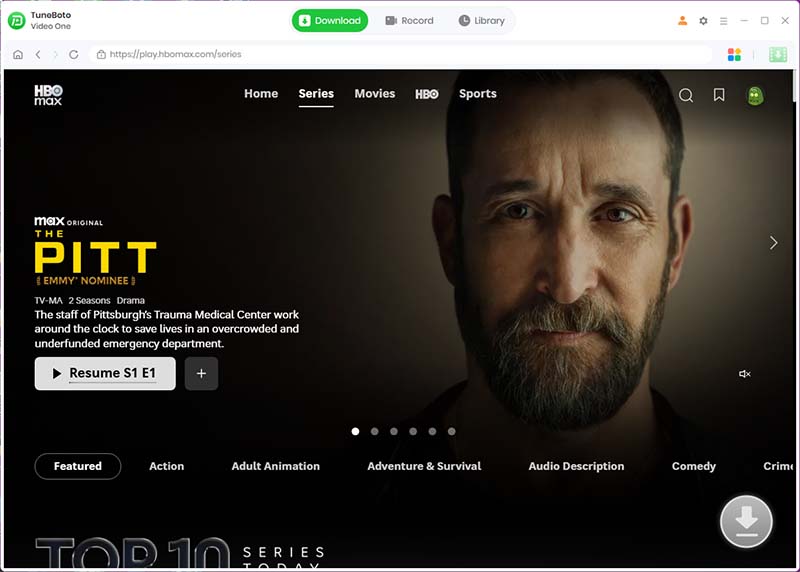
TuneBoto Max Video Downloader

Download Max movies and TV shows in HD quality with TuneBoto Video One. Enjoy unlimited offline playback on Windows & Mac without streaming restrictions or internet connection.

* For personal use only.

✓ Max Supported ✓ HD Quality ✓ MP4 / MKV ✓ Windows & Mac
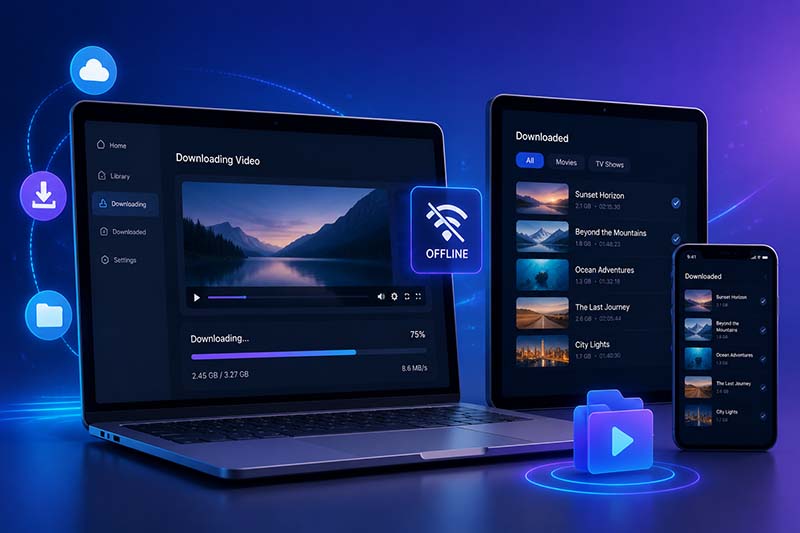
Download Max Movies & TV Shows Without Limits

A smarter way to enjoy your favorite Max content offline with complete playback freedom.

Download Max movies and TV shows in HD quality

Streaming Max content online is convenient, but it also comes with limitations. Downloads may expire, playback is restricted to supported devices, and you'll need an internet connection to access your account.

TuneBoto Max Video Downloader, powered by TuneBoto Video One, lets you save Max movies, TV shows, documentaries, and exclusive originals in high quality for flexible offline viewing.

Build your own offline Max library and enjoy your favorite videos anytime, anywhere.

  • ✓ Download Max movies and complete TV series
  • ✓ Save videos as MP4 or MKV
  • ✓ Keep HD video quality
  • ✓ Preserve multilingual audio tracks and subtitles
  • ✓ Watch offline anytime without internet

Why Choose TuneBoto Max Video Downloader?

Everything you need to enjoy Max videos without streaming limitations.

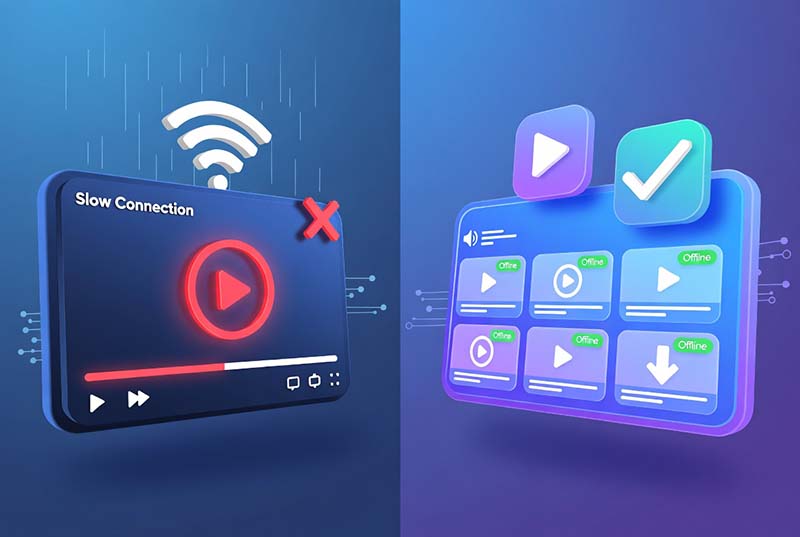
Watch Max movies offline

Watch Max Offline Anywhere

Download your favorite Max movies before traveling, commuting, or flying. Enjoy smooth playback anytime without Wi-Fi or mobile data.

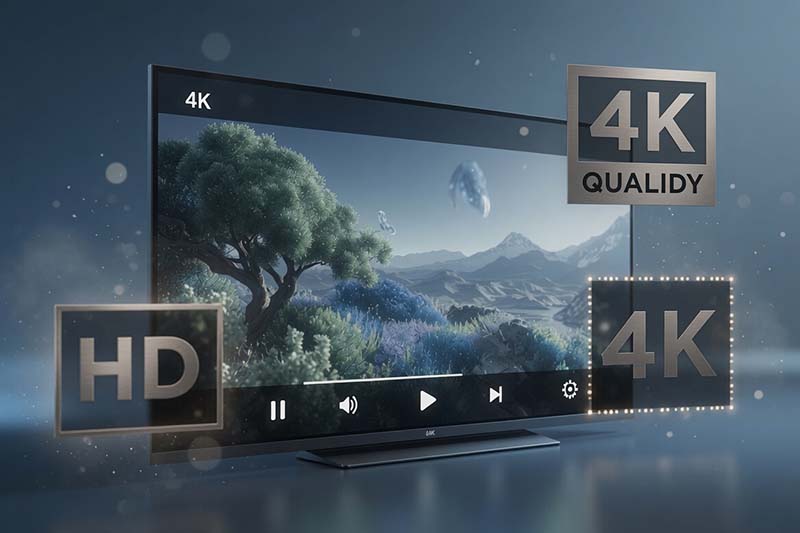
Download Max videos in HD quality

Download in HD Quality

Save Max movies and TV shows with excellent picture quality for a premium viewing experience on any supported device.

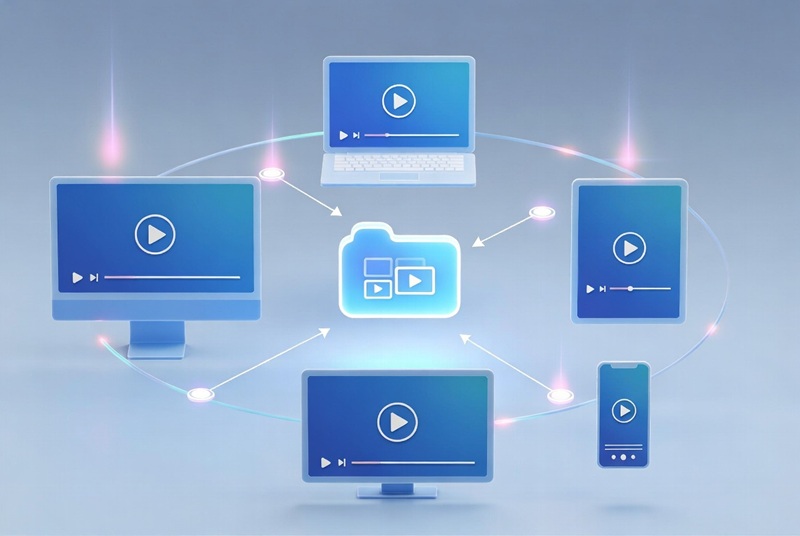
Watch Max videos on more devices

Play on More Devices

Keep your downloaded Max videos as local files and enjoy them on Windows PCs, Macs, TVs, tablets, and more.

Powerful Features for Max Downloads

Everything you need for a better offline viewing experience.

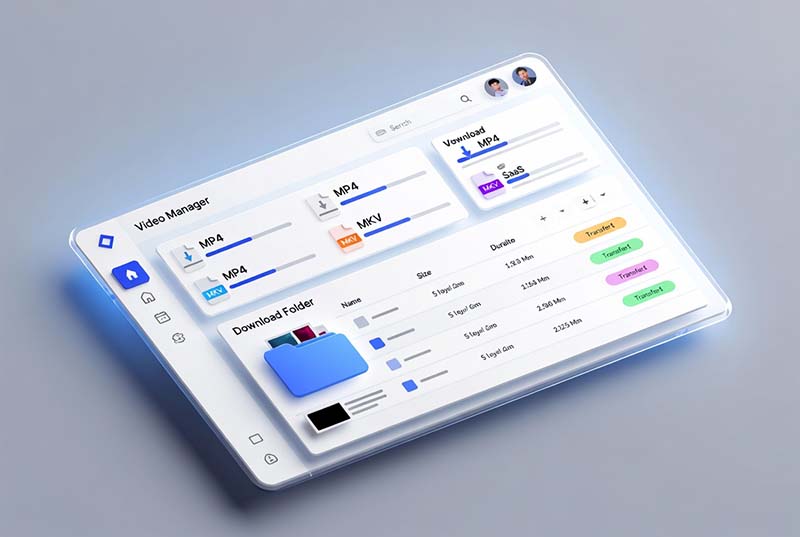
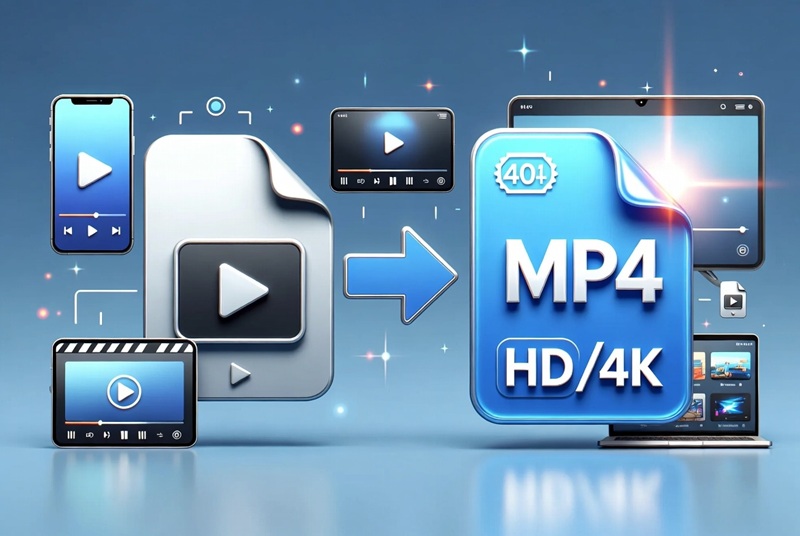
Download Max videos as MP4 or MKV

Download Max Videos in MP4 & MKV

Convert Max movies and TV shows into widely supported MP4 or MKV formats for flexible playback across your favorite devices.

  • Universal compatibility
  • Easy file management
  • Offline playback anywhere
Keep HD video quality

Keep HD Video Quality

Enjoy crystal-clear offline playback with HD video quality, preserving every detail for an immersive viewing experience.

  • Sharp picture quality
  • Smooth playback
  • Ideal for large screens
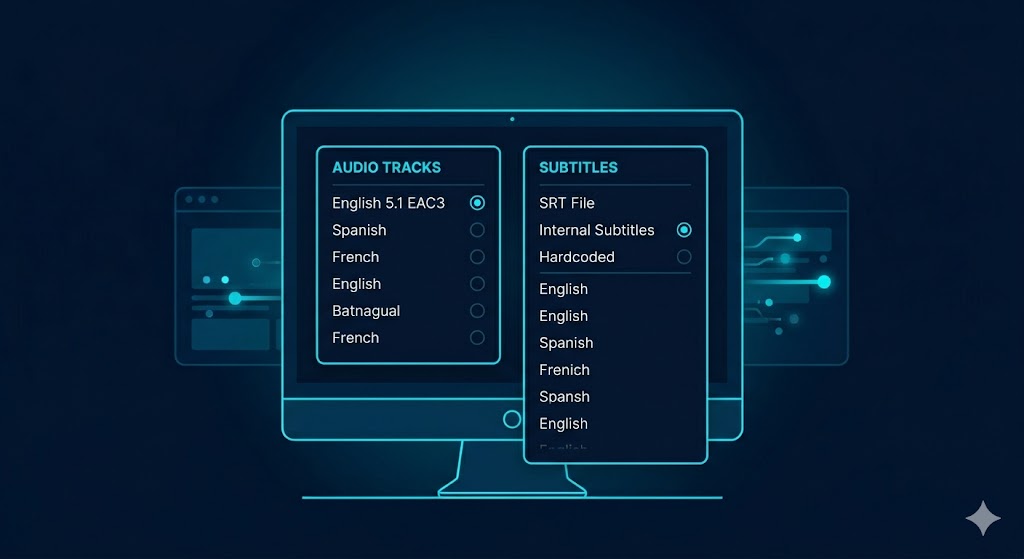
Keep audio tracks and subtitles

Preserve Audio Tracks & Subtitles

Retain multilingual audio tracks and subtitles, making it easier to enjoy international content the way you prefer.

  • Multiple subtitle options
  • Original audio retained
  • Great for language learners
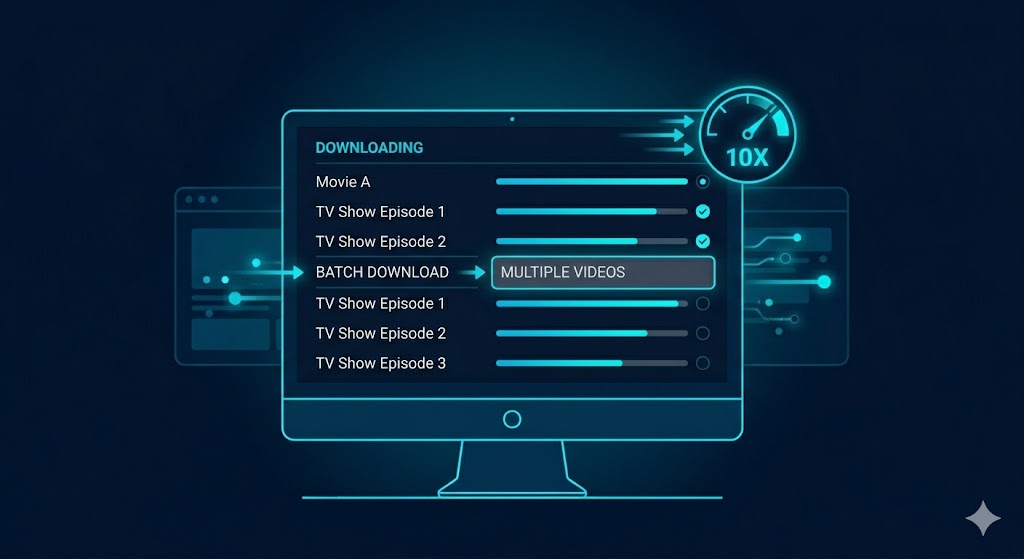
Batch download Max TV shows

Batch Download Entire TV Series

Download multiple episodes or complete seasons at once, saving time while building your offline Max collection.

  • Batch download supported
  • Fast and stable performance
  • Perfect for binge watching

How to Download Max Videos

Download Max movies and TV shows in just a few simple steps.

How to download Max videos using TuneBoto
1
Install TuneBoto Video One

Download and launch TuneBoto Video One on your Windows PC or Mac.

2
Select Max

Choose Max from the supported streaming services and sign in to your account securely.

3
Search for Videos

Find your favorite Max movie or TV show using keywords or paste the video URL.

4
Choose Output Settings

Select MP4 or MKV, configure subtitles and audio tracks, then start downloading.

5
Watch Offline Anytime

Enjoy your downloaded Max videos without internet on your favorite devices.

TuneBoto vs. Official Max Downloads

Discover why more users choose TuneBoto for a flexible offline viewing experience.

Feature Official Max App TuneBoto Max Video Downloader
Download Movies & TV Shows
Watch Offline
Save as Local Files
MP4 Output
MKV Output
HD Video Quality
Keep Audio Tracks Limited
Keep Subtitles Limited
Windows & Mac Limited
Build Personal Video Library

Enjoy greater flexibility by downloading Max videos as local files and watching them whenever you want.

Download Free Trial

Watch Downloaded Max Videos on More Devices

Download once. Watch anywhere.

Windows PC
Mac
Mobile Devices
Tablet
Smart TV
Media Player

Transfer downloaded Max videos to USB drives, NAS devices, home theaters, or media players for a truly unrestricted viewing experience.

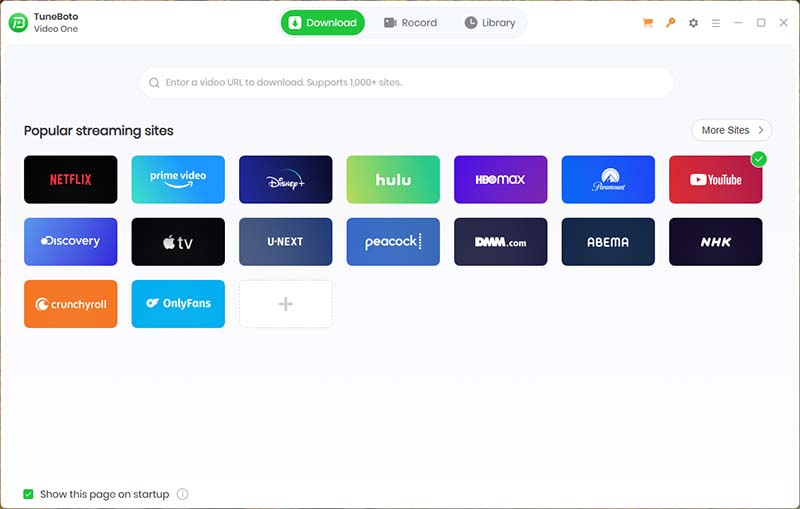
TuneBoto Video One supports 1000+ streaming websites

More Than a Max Video Downloader

TuneBoto Max Video Downloader is powered by TuneBoto Video One, an all-in-one streaming video downloader designed for users who enjoy content from multiple platforms.

Instead of purchasing separate downloaders, you can access one powerful solution that supports more than 1,000 streaming websites with continuous updates and new platform compatibility.

  • ✓ Peacock
  • ✓ Paramount+
  • ✓ Crunchyroll
  • ✓ Tubi
  • ✓ Discovery+
  • ✓ 1000+ Websites

1000+

Supported Websites

HD

Video Quality

24/7

Product Updates

What Users Say About TuneBoto

Trusted by users worldwide for smooth and reliable offline video downloads.

★★★★★

"The easiest Max downloader I've ever used. The interface is simple and I downloaded my favorite movies without complicated settings."

Michael , USA
★★★★★

"I downloaded an entire season of my favorite show in minutes. The video quality is excellent and playback works perfectly offline."

Emma , UK
★★★★★

"TuneBoto is much better than keeping videos inside streaming apps. Now I can watch my downloaded videos on different devices."

Daniel , Canada
★★★★★

"The download speed is impressive. I especially like that subtitles and audio tracks are preserved."

Sophia , Australia
★★★★★

"I bought TuneBoto because it supports many streaming platforms, not just Max. One tool solves all my offline video needs."

James , Germany
★★★★★

"Great software with regular updates. It keeps working smoothly whenever streaming services change."

Olivia , France

Supports 1,000+ Streaming Websites

Download videos from popular streaming platforms with one powerful solution.

Why Millions Choose TuneBoto

Trusted by streaming lovers worldwide for reliable, high-quality video downloads.

Highly Rated by Users

Thousands of users choose TuneBoto for its intuitive interface, stable performance, and consistent download quality across supported streaming platforms.

Regular Product Updates

TuneBoto is continuously updated to maintain compatibility with the latest streaming platform changes and improve overall download performance.

Secure Payment

Purchase confidently through trusted payment partners with encrypted checkout and secure license delivery.

30-Day Money Back

Every purchase is protected by our refund policy, giving you extra confidence when trying TuneBoto.

Professional Support

Our experienced support team is ready to help with installation, activation, downloads, and product questions whenever you need assistance.

Fast & Stable Downloads

Optimized download technology provides a smooth and efficient experience while preserving excellent video quality.

1000+

Supported Websites

HD

Video Quality

24/7

Technical Support

30-Day

Money Back

Ready to Download Max Videos?

Start downloading Max movies and TV shows today with TuneBoto Video One and enjoy unlimited offline playback on Windows & Mac.

✓ Safe Software ✓ No Ads ✓ Free Trial ✓ Windows & Mac

Compatible with Windows 10/11 and macOS 11–26

Frequently Asked Questions

Find answers to common questions about TuneBoto Max Video Downloader.

A Max Video Downloader is a tool that allows users to save Max movies and TV shows for offline viewing. TuneBoto Max Video Downloader, powered by TuneBoto Video One, helps users download Max videos in high quality and enjoy flexible playback options.
Yes. TuneBoto Video One supports downloading Max movies, TV shows, and other available content for offline personal viewing.
Install TuneBoto Video One on your Windows PC, select Max from the supported services, search for your favorite movie or TV show, choose the output settings, and start downloading.
Yes. TuneBoto Video One supports both Windows and macOS, allowing users to download and watch Max videos on their preferred computers.
Yes. TuneBoto Video One supports flexible output formats including MP4 and MKV, making downloaded videos easier to play on different devices.
Yes. After downloading, Max videos can be played locally without requiring an internet connection or streaming app access.
TuneBoto is a professional desktop application developed for personal video management. It provides secure installation, regular updates, and customer support.
The official Max app provides limited offline features. TuneBoto gives users more flexibility by saving videos as local files, supporting more devices, and providing additional playback options.
arrow-up icon