
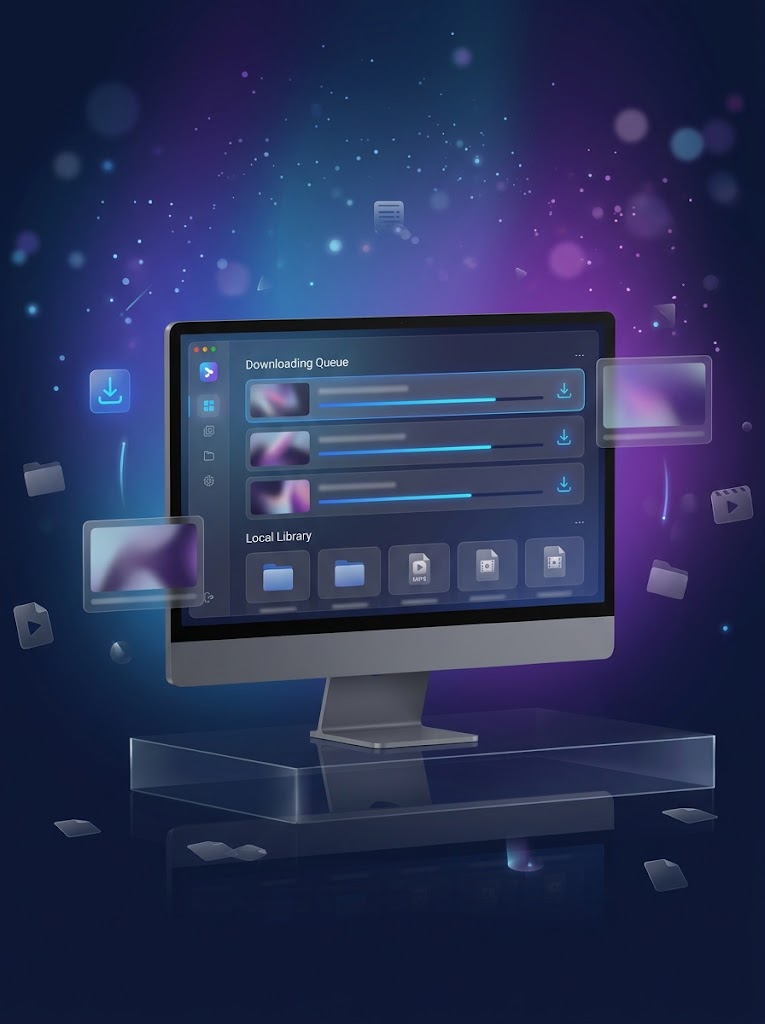
Download OnlyFans Videos for Offline Viewing
OnlyFans is primarily designed for online content viewing. When you want to keep videos available on your computer for later playback, managing them as local video files can be more convenient.
TuneBoto Video One fully supports OnlyFans video downloads, allowing you to save supported OnlyFans videos directly to your Windows or Mac computer. Once downloaded, your videos can be organized in local folders and played with compatible media players.
Whether you want to watch your saved videos while traveling, organize a personal media collection, or simply keep convenient offline access to videos you are authorized to download, TuneBoto Video One provides an easy desktop solution.
 Download OnlyFans videos to your computer
- Watch downloaded videos offline
- Save videos as regular local video files
- Organize downloaded videos in your own folders
Please download and save only content that you have the right or permission to access and download. TuneBoto is an independent software provider and is not affiliated with or endorsed by OnlyFans.
Why Choose TuneBoto OnlyFans Video Downloader?
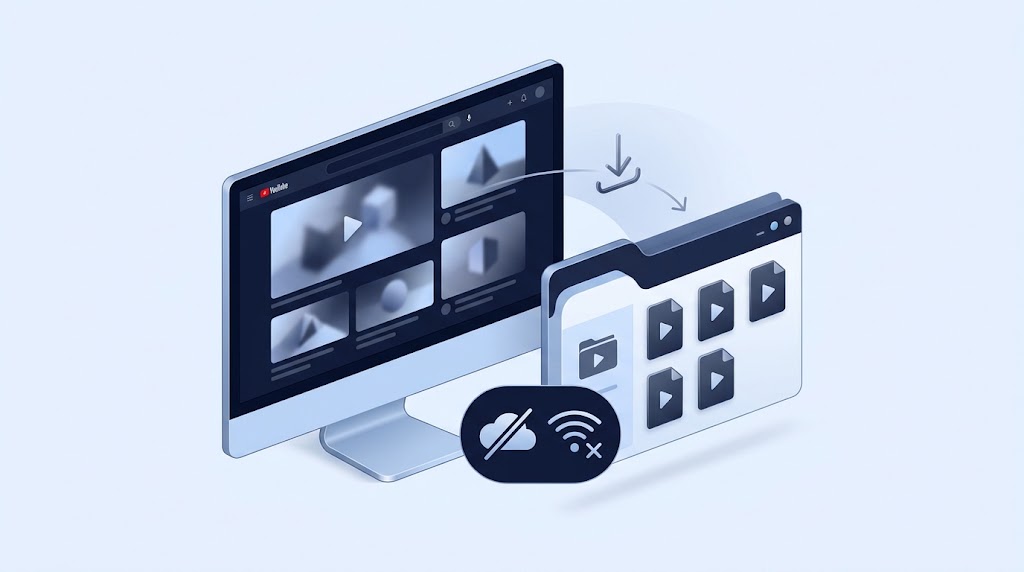
Save OnlyFans Videos Offline
Download supported OnlyFans videos to your computer and keep them available for offline playback whenever you want to watch your saved content.

Keep Videos as Local Files
Save downloaded OnlyFans videos as regular local files that are easier to organize, manage, and play on compatible devices.
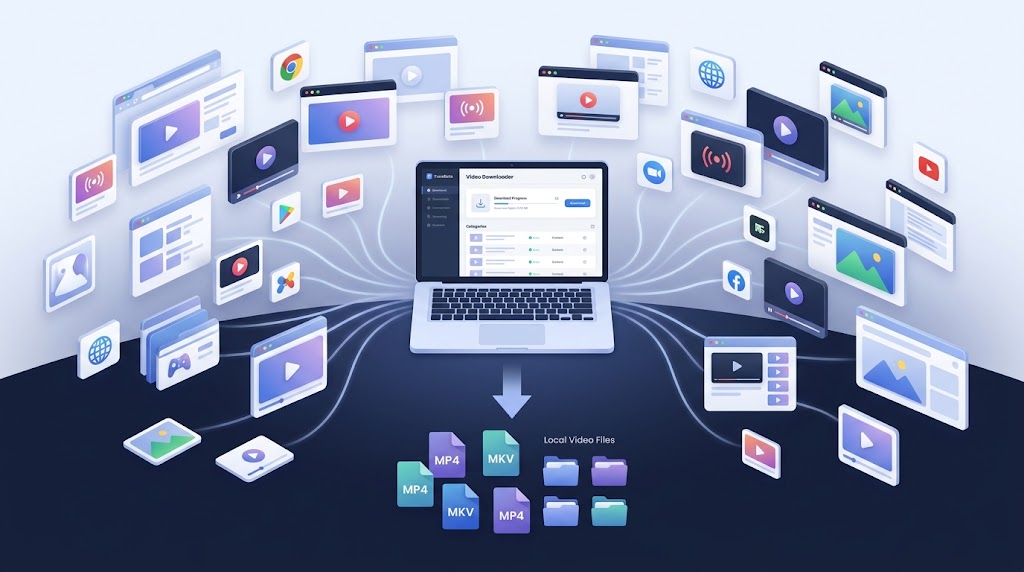
One Downloader for 1,000+ Sites
OnlyFans is just one of the platforms supported by TuneBoto Video One. Download videos from more than 1,000 supported websites with one application.
Key Features of TuneBoto OnlyFans Video Downloader
Download OnlyFans Videos in High Quality
TuneBoto Video One lets you download supported OnlyFans videos while maintaining the available video quality for a better offline viewing experience.
- Save available video quality
- Download videos directly to your computer
- Choose download settings before saving
Save OnlyFans Videos as MP4 or MKV
Save downloaded OnlyFans videos in convenient video formats for easier local playback and media management.
- MP4 video output
- MKV video output
- Easy local file management
Flexible Offline Playback
Once your videos are saved locally, you can use compatible media players and devices to watch them without returning to the online viewing page.
Batch Video Downloads
Save multiple supported videos more efficiently instead of downloading each video manually through your browser.
Download OnlyFans Videos as MP4
MP4 is one of the most widely supported video formats for computers, mobile devices, TVs, and media players. With TuneBoto Video One, you can download supported OnlyFans videos and save them as MP4 files for convenient offline playback.
Saving OnlyFans videos as MP4 also makes it easier to organize your downloaded videos in a regular media library. Instead of keeping your video collection tied to an online viewing environment, you can manage your saved files in folders on your computer.
Easy Playback
MP4 is supported by a wide range of media players and compatible devices.
Simple Organization
Keep downloaded videos together with your other local media files.
Offline Access
Watch saved videos without depending on an active internet connection.
How to Download OnlyFans Videos with TuneBoto Video One
Downloading OnlyFans videos with TuneBoto Video One only takes a few simple steps.
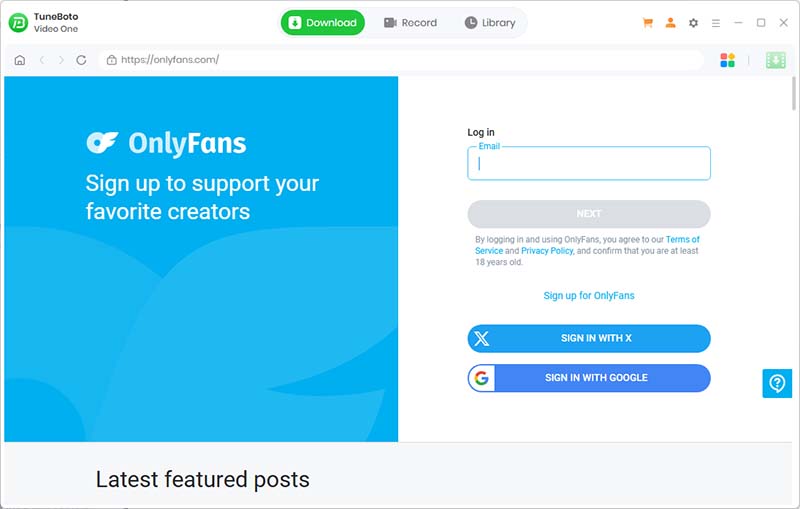
OnlyFans Online Viewing vs. Downloaded Video Files
Online viewing is convenient, but local video files provide additional flexibility for offline playback and personal media organization.
| Feature | Online Viewing | TuneBoto Video One |
|---|---|---|
| Internet Required | Yes | No after download |
| Local Video File | No | Yes |
| Offline Playback | Limited | Yes |
| MP4 Output | No | Yes |
| MKV Output | No | Yes |
| Local Video Management | Limited | Yes |
| Windows Support | Browser-based | Yes |
| Mac Support | Browser-based | Yes |
| Personal Offline Library | Limited | Yes |
Watch Downloaded OnlyFans Videos on More Devices
Saving OnlyFans videos as local files gives you more flexibility when managing your personal offline video collection. Depending on the output format and device compatibility, downloaded videos can be transferred to compatible computers, media players, USB drives, and other supported playback devices.

Computer
Keep and watch downloaded OnlyFans videos directly on Windows or Mac.

Mobile Devices
Transfer compatible local video files to supported mobile devices for offline playback.

TV & Media Players
Use compatible storage and playback devices to enjoy your locally saved videos.
Build Your Personal OnlyFans Video Library
Downloading videos is not only about offline playback. Local files can also make it easier to organize a personal video collection. You can create folders, rename files, sort videos, and manage your downloaded content using the same file-management tools you already use on your computer.
TuneBoto Video One helps turn supported online videos into a more manageable local media collection. This can be especially useful when you regularly download videos from multiple supported websites and want to keep everything organized in one place.
More Than an OnlyFans Video Downloader
TuneBoto Video One is an all-in-one video downloader that fully supports OnlyFans and more than 1,000 other streaming websites. Instead of installing a separate downloader for every platform, you can manage video downloads from multiple services with one desktop application.
Find the best OnlyFans Video Downloader, check the review.
1,000+
Supported Websites
HD
Available Video Quality
24/7
Regular Updates
Supported platforms include:
- ✓ OnlyFans
- ✓ Netflix
- ✓ Amazon Prime Video
- ✓ Disney+
- ✓ Max
- ✓ Apple TV+
- ✓ Crunchyroll
- ✓ ABEMA
- ✓ Hulu
- ✓ Paramount+
Why Choose TuneBoto Video One?

Reliable
Designed for stable video downloading across supported websites.

Windows & Mac
Use one desktop application across supported Windows and Mac systems.

High Quality
Save supported videos while maintaining the available video quality.

Regular Updates
Continued updates help maintain compatibility with supported websites.
More Streaming Video Downloaders
Netflix Video Downloader
Download supported Netflix movies and shows for offline viewing.
Learn MoreAmazon Prime Video Downloader
Download supported Amazon Prime Video content for offline playback.
Learn MoreMax Video Downloader
Download supported Max videos and build your offline video collection.
Learn MoreCrunchyroll Video Downloader
Download supported Crunchyroll videos for convenient offline playback.
Learn More
Download OnlyFans Videos with TuneBoto Video One
Save supported OnlyFans videos locally and manage your offline video collection with one powerful desktop downloader.
 Free Download for Windows
 Free Download for macOS
Frequently Asked Questions
Can TuneBoto Video One download OnlyFans videos?
Yes. TuneBoto Video One fully supports downloading supported OnlyFans videos for offline viewing and local video management.
How do I download OnlyFans videos to my computer?
Install TuneBoto Video One on Windows or Mac, open OnlyFans, find the video you want to save, select your available download settings, and start the download.
Can I download OnlyFans videos as MP4?
Yes. TuneBoto Video One supports saving supported OnlyFans videos as MP4 files for convenient offline playback and local video management.
Can I download OnlyFans videos as MKV?
Yes. TuneBoto Video One supports MKV output for supported OnlyFans video downloads.
Does TuneBoto Video One support OnlyFans on Windows and Mac?
Yes. TuneBoto Video One is available for Windows and Mac and fully supports OnlyFans video downloads on supported desktop systems.
Can I watch downloaded OnlyFans videos offline?
Yes. After a supported OnlyFans video has been downloaded to your computer, you can watch the local video file without an active internet connection.
What other websites does TuneBoto Video One support?
TuneBoto Video One supports OnlyFans as well as Netflix, Amazon Prime Video, Disney+, Max, Apple TV+, Crunchyroll, ABEMA, Hulu, Paramount+, and many other streaming websites. It supports more than 1,000 websites in total.
Is TuneBoto Video One an OnlyFans product?
No. TuneBoto Video One is an independent video downloading application. TuneBoto is not affiliated with or endorsed by OnlyFans.
