video one banner
Powered by TuneBoto Video One

Tubi Video Downloader

Watch Tubi Movies Offline Anytime. Save your favorite Tubi movies and shows with TuneBoto Video One. Enjoy offline playback with high-quality output, subtitles, and flexible device support.

* For personal use only.

✓ Tubi Supported ✓ HD Quality ✓ MP4 / MKV Output ✓ Windows & Mac
Tubi video downloader

What Is a Tubi Video Downloader?

A Tubi video downloader is a software tool that allows users to save Tubi movies and TV shows for offline viewing instead of streaming them online. It helps users enjoy their favorite Tubi content without requiring a constant internet connection.

Although Tubi offers thousands of free movies and shows, streaming playback usually requires an active internet connection and is supported by advertisements. A downloader provides a more flexible way to manage and watch videos offline.

TuneBoto Tubi Video Downloader, powered by TuneBoto Video One, provides an easy solution to download Tubi videos with high-quality output, subtitle support, and flexible playback options.

  • Download Tubi movies and TV shows
  • Watch Tubi videos offline anytime
  • Save videos with flexible playback options

Why Do Users Need a Tubi Video Downloader?

Enjoy a more flexible way to watch your favorite Tubi movies and shows.

Watch Tubi movies offline without internet

Watch Tubi Without Internet

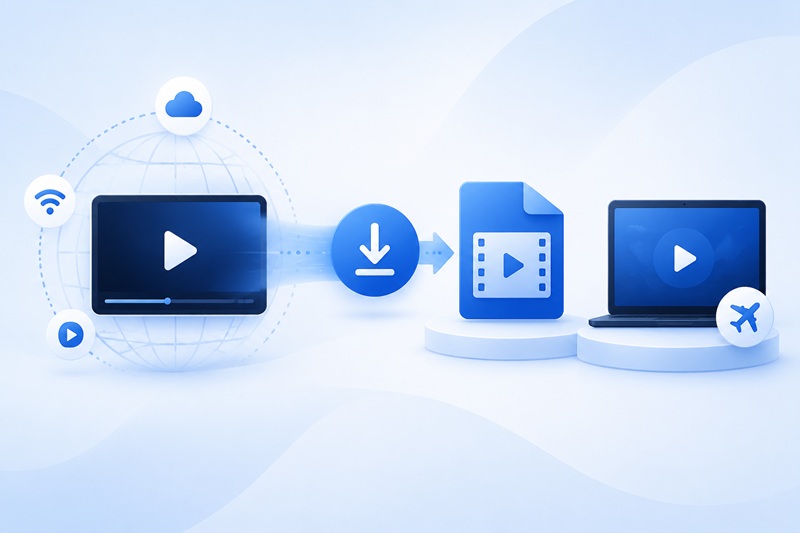
Download your favorite Tubi movies before traveling, commuting, or entering areas with limited internet access. Enjoy smooth offline playback without buffering.

Avoid Tubi streaming interruptions with video downloader

Avoid Streaming Interruptions

Offline videos allow you to enjoy Tubi content without constant network problems or interruptions during playback.

Play downloaded Tubi videos on multiple devices

Play Videos More Flexibly

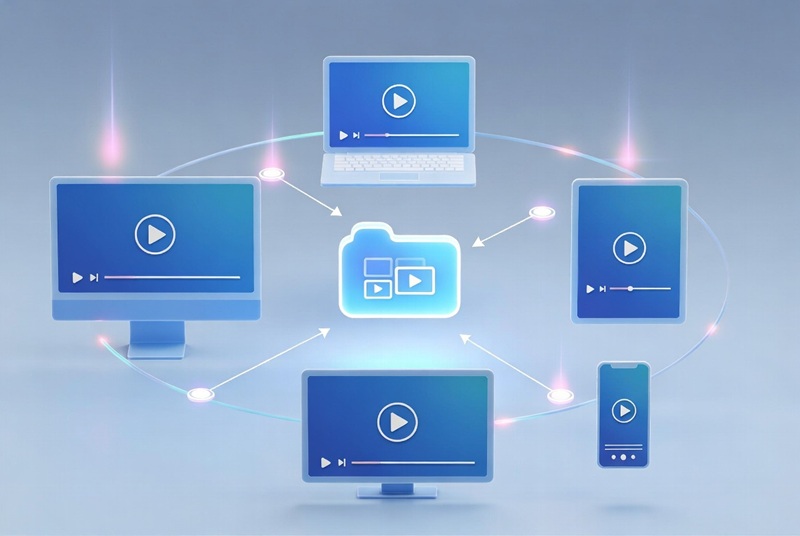
Save downloaded Tubi videos and enjoy them on compatible devices according to your viewing preferences.

How to Download Tubi Videos with TuneBoto

Download Tubi movies and shows in just a few simple steps.

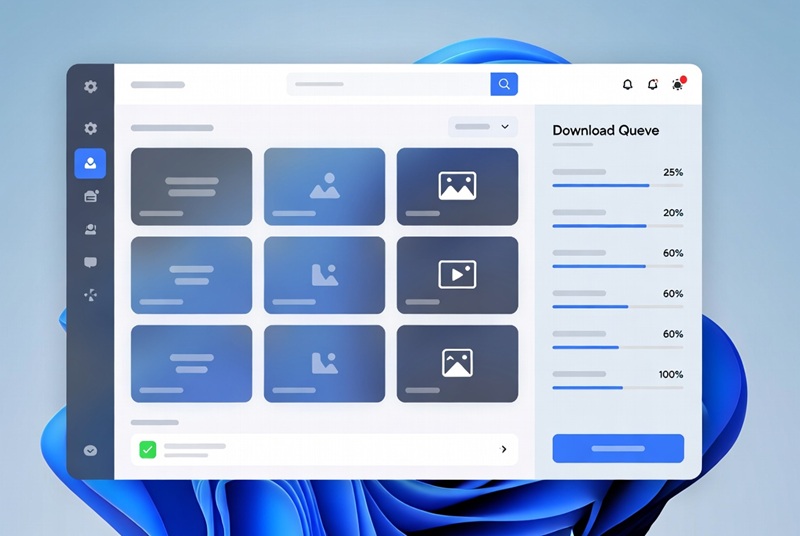
1. Launch TuneBoto Video One

Install and open TuneBoto Video One on your Windows or Mac computer.

2. Select Tubi

Choose Tubi from the supported streaming platforms and search for your favorite movie or TV show.

3. Start Downloading

Select your preferred settings and click download to save your Tubi videos.

Key Features of TuneBoto Tubi Video Downloader

Download Tubi Movies & Shows

Save your favorite Tubi movies, TV series, and entertainment content for offline viewing.

HD Video Quality

Enjoy downloaded videos with high-quality output for a better viewing experience.

MP4 Output Format

Save videos in widely compatible formats for easier playback on different devices.

Subtitle Support

Keep subtitles and audio options for a more convenient viewing experience.

Tubi Official App vs TuneBoto Tubi Video Downloader

Compare different ways to enjoy Tubi movies and shows offline.

Features Tubi Official App TuneBoto Video One
Watch Offline Limited availability Supported
Local Video Files No Yes
Internet Required Required for streaming No after download
Device Flexibility Limited by app Play on more devices
Video Management Restricted Flexible
Personal Media Library No Yes

Why Choose TuneBoto Video One?

One powerful downloader for multiple streaming platforms.

All-in-One Streaming Downloader

TuneBoto Video One supports multiple streaming services including Tubi, Netflix, Amazon Prime Video, Disney+, Hulu, Apple TV+, and more.

Easy to Use

The intuitive interface allows you to search, customize settings, and download videos with only a few clicks.

Regular Updates

TuneBoto continuously improves compatibility and provides a reliable streaming video download experience.

Watch Downloaded Tubi Videos on More Devices

Enjoy your saved Tubi movies and shows wherever you want.

Watch Tubi videos on Windows PC

Windows PC

Watch downloaded Tubi videos on Mac

Mac

Play downloaded Tubi movies on mobile devices

Mobile Devices

Watch Tubi videos on tablets

Tablets

Play downloaded Tubi videos on Smart TV

Smart TVs

Play downloaded videos with media players

Media Players

Frequently Asked Questions

A Tubi video downloader is a tool that helps users save Tubi movies and TV shows for offline viewing instead of streaming them online.
Yes. TuneBoto Video One provides a convenient way to download Tubi videos and enjoy them offline.
Tubi mainly focuses on online streaming. Offline availability depends on official platform features and device support.
Install TuneBoto Video One, select Tubi, search for your favorite content, and start downloading with simple steps.
TuneBoto Video One supports flexible output options for better compatibility with different playback devices.
Yes. Tubi downloading is one of the supported features included in TuneBoto Video One.
Yes. After downloading, videos can be played locally without requiring an internet connection.
Yes. TuneBoto Video One supports both Windows and macOS platforms.

Start Downloading Tubi TV Videos for Offline Viewing

Save Tubi TV movies and TV shows in MP4 or MKV format and watch them anytime on any device.

arrow-up icon