Have you ever clicked "Download" on a gripping Netflix series to prepare for a long flight, only to wonder where on earth those gigabytes of data actually vanished to? You aren't alone. Whether you’re trying to free up hard drive space or want to back up a favorite season, finding the physical files can feel like a game of high-stakes digital hide-and-seek.
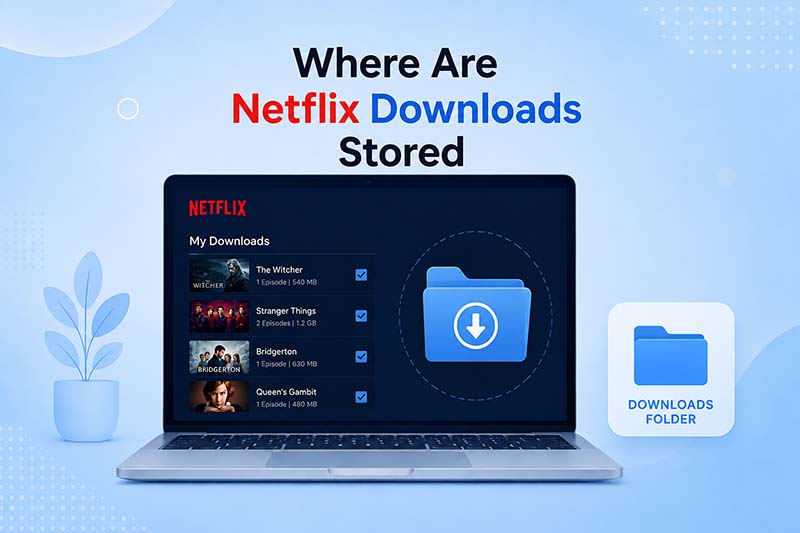
Where Are Netflix Downloads Stored on Windows?
If you are using the official Netflix app on Windows 10 or Windows 11, the application quietly tucks away your downloaded content into a deeply nested, hidden directory within your local profile partition.
The Default Path
By default, Netflix routes all downloads to your primary system drive. You can access the destination directly by copying and pasting the following path into your File Explorer address bar:
*Note: Be sure to replace "[Your_Username]" with your actual local Windows user folder profile name.
How to View the Hidden Files
If you manually browse your directories, you won't see the AppData folder because Windows flags it as invisible. To reveal it:
- Windows 11: Open File Explorer, select the View dropdown layout at the top toolbar, hover over Show, and check the box next to Hidden items.
- Windows 10: Open File Explorer, click the View tab on the upper ribbon menu, and ensure the checkbox for Hidden items is flagged.
Once inside the final downloads folder, you will see a collection of files with random numerical strings for titles (e.g., 80123456). Netflix completely strips away movie tags and traditional headers so standard players cannot decode them.
Where Are Netflix Downloads Stored on Android?
Android offers a bit more file-system access than desktop sandbox applications, but Netflix still safeguards its media data securely inside the root app package.
The Storage Path
If your phone is configured to download streams straight to internal flash memory, the destination path is:
If you have modified the app settings to push offline downloads to an external microSD card instead, look here:
Why Some Phones Can't Find Them
If you browse into the final directory block and see an empty screen, it comes down to two system properties:
- Hidden System Directory: In Android architectures, any folder name prefixed with a dot (such as
.of) is handled as an invisible platform index. You must toggle "Show hidden files" within your chosen file explorer client app settings. - Scoped Storage Restrictions: Modern Android releases (Android 11+) restrict root file access tightly. Standard file manager tools are explicitly blocked from reading directories inside
Android/data/unless connected directly to a computer via MTP/USB or utilizing specific legacy access shells.
Where Are Netflix Downloads Stored on iPhone/iPad?
For those running the official app layout on iOS or iPadOS systems, raw file extraction is not possible due to platform limitations.
Due to Apple's strict application sandboxing protocols, users cannot find or extract raw Netflix data structures using the native Files app or any third-party explorer tools. The entire download payload is kept within the encrypted application bundle block. The only way to view, remove, or modify your offline media queue is exclusively through the Downloads section inside the official Netflix interface.
Can You Move Netflix Downloads?
The short answer is no. While you can easily highlight, copy, and paste the numbered files from your Windows or Android cache pool onto a backup device or external network drive, they will not play back.
If you relocate these data fragments outside of their official application environment and try to re-import them later, the player engine will mark the cache index as broken and immediately wipe the files. This restriction is controlled by **DRM (Digital Rights Management)** layers. The security tokens needed to bind and decode these split video blocks are generated uniquely for the hardware profile and original app engine state of the device that processed the initial stream download.
Can You Convert Netflix Downloads to MP4?
If you attempt to forcibly append an .mp4 container tag to any raw download asset from your Netflix directory cache, your default desktop video player will simply throw an execution fault or file corruption warning.
Official offline downloads **cannot be directly transformed or converted to standard MP4 media files** because of deep **DRM Encryption**. The cached streams are saved as non-sequential, encrypted system fragments instead of a traditional linear video layout. They are intentionally structured to be readable solely by the real-time processing core inside the active Netflix app container.
Why Can't I Find My Netflix Downloads?
If your downloaded files have suddenly gone missing or fail to show up in their native folder tracks, the issue is typically linked to one of these system triggers:
| Common Triggers | Detailed System Explanation |
|---|---|
| Hidden Folder Options Unchecked | System directories like AppData or .of are masked automatically by Windows and Android to protect data integrity. Ensure your file system parameters are set to show invisible components. |
| Alternate Storage Routing | If your phone or laptop uses multiple partition blocks or expandable memory cards, the application may have redirected files to the secondary array seamlessly without notice. |
| Automated App Cache Cleanup | Aggressive memory managers, system optimizer tools, or background cleaner scripts frequently flag fragmented offline media chunks as temporary junk data and automatically clear them. |
| Expired Content Lifespans | Netflix offline downloads are bound to programmatic deadlines. Most downloaded media titles expire precisely 48 hours after your first playback action, or within 7 days in total, triggering an automatic folder wipe. |
How to Save Netflix Videos as Standard MP4 Files
Navigating hidden system paths, managing strict content deadlines, and dealing with native device viewing blocks can become highly counterproductive. If your primary goal is to establish complete control over your offline viewing collection without application limits, creating clean media files directly from the source is the ideal path.
| Feature Metric | Official App Downloads | Standard MP4 Downloads |
|---|---|---|
| File Format Structure | Encrypted data blocks | Universal .mp4 or .mkv layouts |
| Playback Capability | Restricted to the original app only | Compatible with Mac, Android, TV, and projectors |
| Content Expiration Date | 48 hours to 7 days countdown | Permanent (Never expires from your drive) |
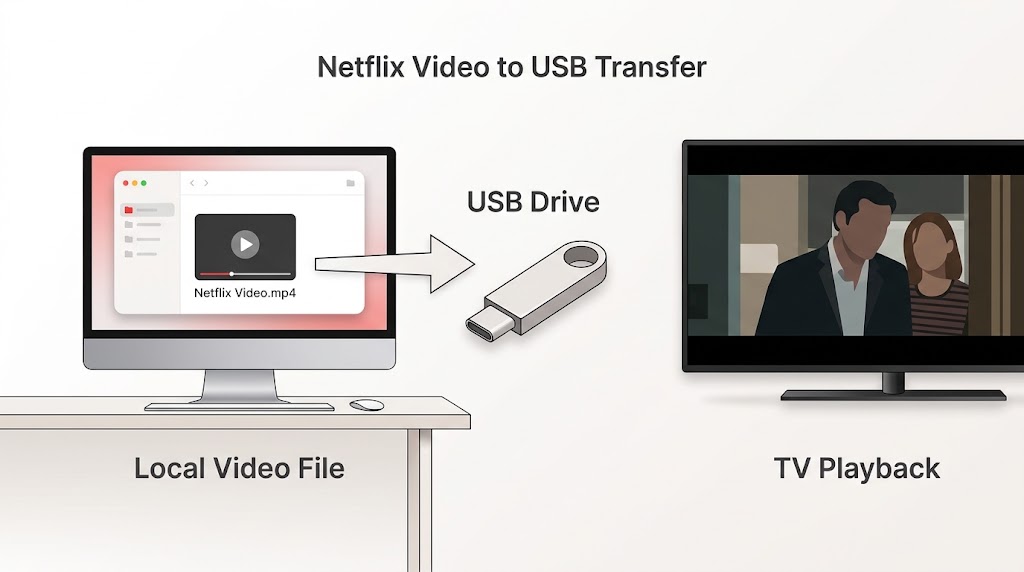
| Storage Freedom | Locked strictly to system app paths | Move freely to NAS arrays, USB keys, or external HDDs |
To bypass these structural limitations smoothly, specialized solutions like TuneBoto Video One can help streamline your workflow. Rather than extracting files from hidden application caches and struggling to clear deep file encryptions, TuneBoto allows you to download videos directly from the streaming player straight into standalone MP4 format.

TuneBoto Video One
-
Download Netflix videos to PC/Mac as standard MP4 or MKV files.

-
Output to universal MP4/MKV format (fully compatible with AE, PR, and CapCut).
-
Preserve surround audio and save subtitles separately.
-
Hardware acceleration enabled for faster downloads.
-
Free technical support and automatic updates.


By processing the media streams natively through an integrated browser core, it perfectly preserves your original high-definition resolutions, multi-language audio layers, and subtitle tracks entirely without any hidden DRM complications. This guarantees that your video files remain universally accessible and easy to move to any of your personal devices whenever and wherever you choose to view them.
Take Total Control of Your Offline Netflix Library
Tired of hidden folders, video expirations, and device limitations? Use TuneBoto Video One to cleanly download any streaming content into permanent, high-quality MP4 files.
Try Windows for Free Try Mac for FreeFrequently Asked Questions (FAQ)
They are kept inside protected system partitions. On Windows systems, they reside within the AppData\Local\Packages branch. On Android models, they are tucked into Android/data/com.netflix.mediaclient. On Apple iOS platforms, they are completely locked within the app sandbox.
You can adjust your application settings interface to switch the primary target storage drive. However, manually dragging and dropping the raw encrypted cache files to an external drive will only result in broken, unplayable blocks.
No. The offline media streams are specifically encrypted for the device profile and native account that authorized the stream. External programs like VLC or QuickTime cannot read them.
Copying them to your desktop will only create dead, unplayable data files. To properly back up content, you must use a dedicated downloading tool like TuneBoto before the system encryption framework is applied.
Encryption is enforced due to studio licensing contracts and strict DRM laws. It stops media assets from being uploaded online, illegally distributed, or played without a valid paid subscription.
You cannot convert an already cached file because the encryption cannot be reversed by basic conversion utilities. To secure an MP4 version, you must use a dedicated utility like TuneBoto Video One to fetch the clear stream directly from the platform.