Powered by TuneBoto Video One
Crunchyroll Video Downloader
Download Crunchyroll videos, anime episodes and movies in HD quality. Watch your favorite anime offline anytime without internet limits or app restrictions.



* For personal use only.
Download Crunchyroll videos, anime episodes and movies in HD quality. Watch your favorite anime offline anytime without internet limits or app restrictions.
* For personal use only.
One Downloader for 1,000+ Streaming Platforms








Save your favorite Crunchyroll anime episodes and movies for flexible offline viewing.
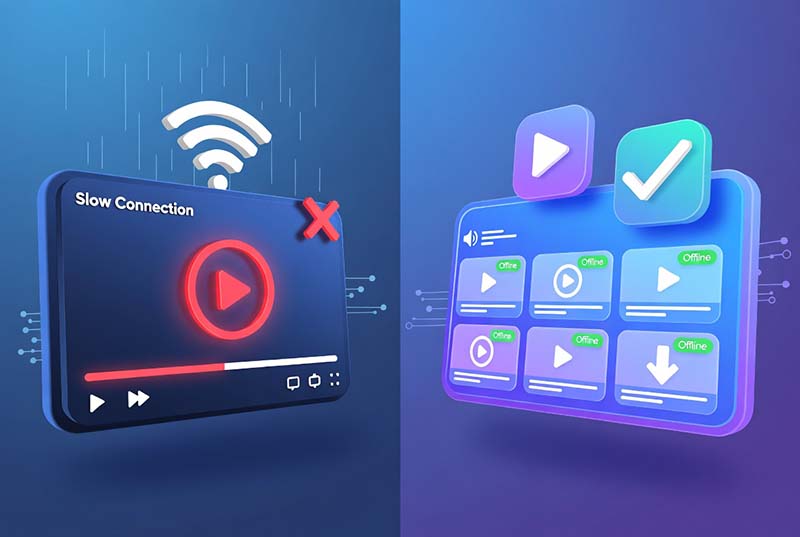
Streaming Crunchyroll anime online is convenient, but it also comes with limitations. A stable internet connection is required, offline playback depends on official app features, and downloaded content may remain restricted within the Crunchyroll application.
TuneBoto Crunchyroll Video Downloader, powered by TuneBoto Video One, provides a smarter way to enjoy your favorite anime offline. It allows you to save Crunchyroll videos, anime episodes, and movies in high quality and watch them anytime on your preferred devices.
With TuneBoto, you can create your own offline anime library with flexible playback options, high-quality output, and preserved subtitles and audio tracks.

Enjoy a smarter way to download Crunchyroll anime and watch your favorite videos offline.

Download Crunchyroll anime episodes and movies to enjoy smooth offline playback anytime, even without an internet connection.
Save Crunchyroll videos with high-quality output while keeping clear visuals, original audio tracks, and available subtitles.

Convert downloaded Crunchyroll videos into compatible formats and watch your anime collection on more devices.
Everything you need to save Crunchyroll anime videos and enjoy flexible offline playback.
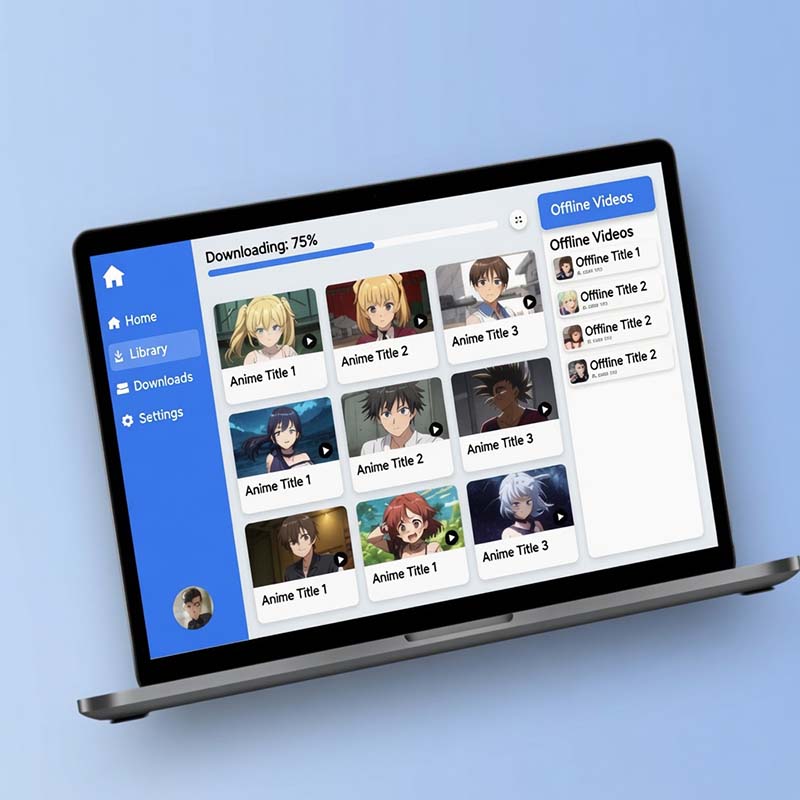
Save your favorite Crunchyroll anime episodes, movies, and series with TuneBoto Video One. Download videos in high quality and build your own offline anime library.
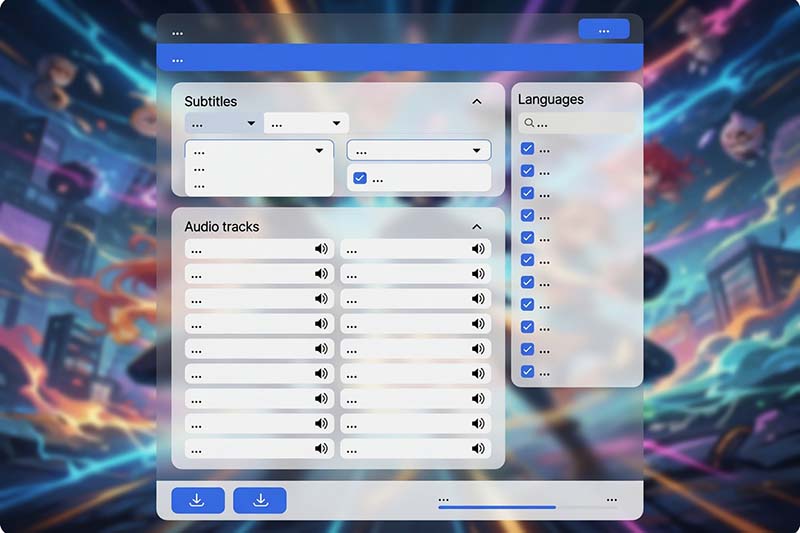
TuneBoto preserves available subtitles and multilingual audio tracks, allowing you to enjoy Crunchyroll anime with your preferred language settings.
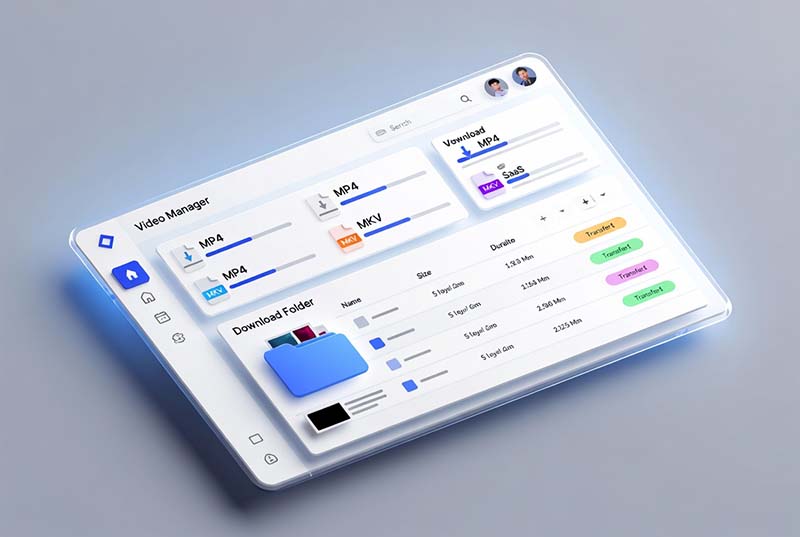
Convert downloaded Crunchyroll videos into popular formats for easier playback on computers, tablets, TVs, and other compatible devices.
Download your favorite Crunchyroll anime videos in just a few simple steps with TuneBoto Video One.
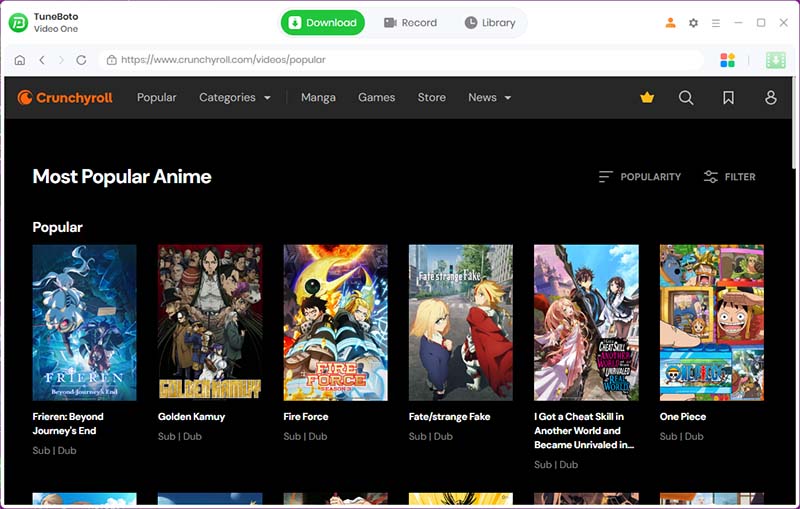
Download and launch TuneBoto Video One on your Windows PC or Mac.
Compare the official Crunchyroll offline feature with a more flexible video downloading solution.
| Feature | Crunchyroll Official Download | TuneBoto Video One |
|---|---|---|
| Offline Viewing | Available only inside the Crunchyroll app | Save videos for flexible offline playback |
| Supported Devices | Limited to supported mobile devices and apps | Windows, Mac, and more playback devices |
| Video Format | Protected app-only downloads | MP4/MKV output for wider compatibility |
| Video Management | Cannot move or manage downloaded files freely | Create and organize your own offline anime library |
| Subtitle Support | Depends on Crunchyroll app availability | Keep available subtitles and audio tracks |
| Playback Flexibility | Requires Crunchyroll application | Enjoy videos with compatible media players |
| Long-Term Storage | Downloads may expire based on platform rules | Save downloaded files for personal offline use |
With TuneBoto Video One, you can download Crunchyroll videos and manage your offline anime collection with greater flexibility.
Try TuneBoto Free Buy NowDownload once. Watch your favorite anime anywhere.

Windows PC

Mac

Mobile Devices

Tablets

Smart TVs

Media Players
Transfer downloaded Crunchyroll anime videos to your preferred devices and enjoy flexible offline playback at home or on the go.
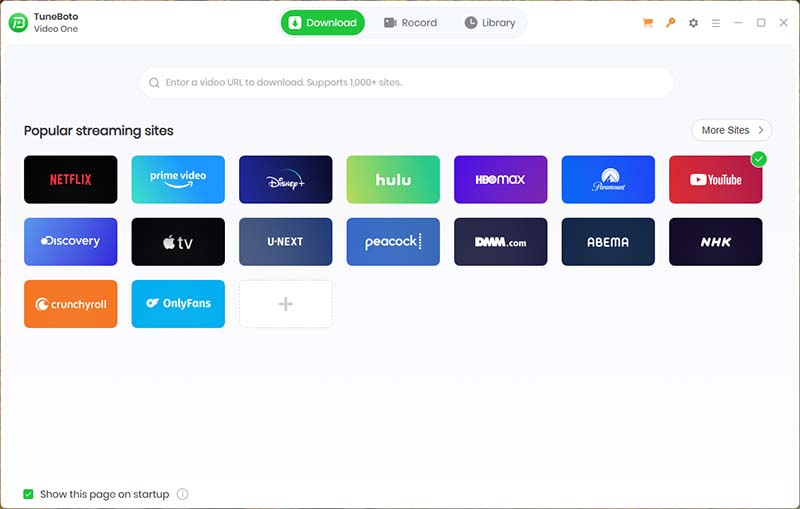
TuneBoto Crunchyroll Video Downloader is powered by TuneBoto Video One, an all-in-one streaming video downloader designed for anime fans and streaming lovers who want more flexible offline viewing.
Instead of using separate tools for different streaming services, TuneBoto Video One provides one powerful solution that supports more than 1,000 streaming websites, including popular platforms for movies, TV shows, and anime content.
Supported Websites
High Quality Video
Regular Updates
A trusted streaming video downloader with powerful features and reliable support.
Loved by users worldwide for easy and reliable video downloading.
Continuous improvements for new streaming platforms and features.
Safe checkout with reliable payment protection.
Helpful technical assistance whenever you need it.
"The easiest Crunchyroll downloader I've ever used. I can save my favorite anime episodes and watch them offline anytime."
— Michael, USA
"Downloaded an entire anime season in minutes. The quality and subtitle support are excellent."
— Emma, UK
"TuneBoto Video One replaced several streaming download tools for me. One app supports everything I watch."
— Daniel, Canada
Start building your offline anime library with TuneBoto Video One.
Find answers to common questions about downloading Crunchyroll videos with TuneBoto Video One.
