Netflix Tips Guide 2026

Netflix Download Limit Explained:
How Many Downloads Can You Have?

Learn how Netflix download restrictions work, why downloaded movies expire, and how to better manage your offline viewing experience.

Quick Answer: How Many Netflix Downloads Can You Have?

Netflix does not offer an unlimited download option. The number of Netflix downloads you can have depends on several factors, including your device, storage space, account settings, title availability, and content licensing restrictions.

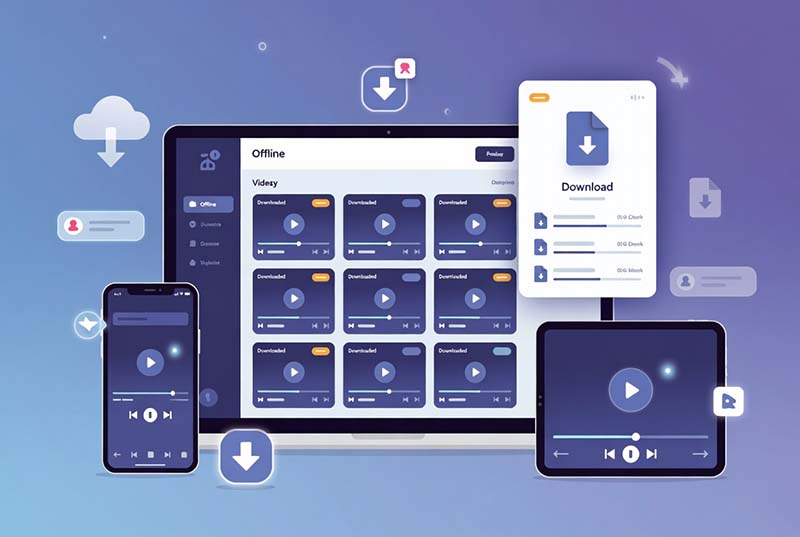
Netflix offline downloads make it convenient to watch movies and TV shows without an internet connection. However, many users eventually encounter download restrictions and wonder why they cannot save more titles.

Common questions include:

  • How many Netflix downloads can I have?
  • Is there a maximum number of downloaded movies?
  • Why does Netflix say my download limit has been reached?
  • How can I manage Netflix downloads on my devices?

The answer is that Netflix downloads are controlled by multiple factors, including device limits, licensing agreements, expiration rules, and DRM protection.

In this guide, we explain how Netflix download limits work, why these restrictions exist, and how users can better manage their offline viewing experience in 2026.

How Many Netflix Downloads Can You Have?

Netflix does not provide one universal download limit. Restrictions depend on your device, account, storage, and content availability.

No Fixed Number

Netflix does not publish a single download number that applies to every user.

Device Based Limits

Downloaded titles are managed separately on supported devices.

Title Availability

Some movies and shows have different download rules due to licensing agreements.

Netflix downloads are not stored as normal video files. Instead, downloaded content is saved inside the Netflix application and protected by DRM technology.

Because of this, the available download capacity depends on multiple factors:

  • The number of devices connected to your Netflix account
  • Available storage space on your device
  • Netflix subscription and account settings
  • Content licensing restrictions

For example, two users with different devices or regions may see different download availability for the same Netflix title.

Important: Netflix does not have an unlimited offline download feature. Download availability can change depending on the title, region, and licensing agreement.

Netflix Download Limit by Device

Netflix downloads work differently depending on the device you use. Learn how offline downloads are managed on Windows, Android, iPhone, iPad, and Mac.
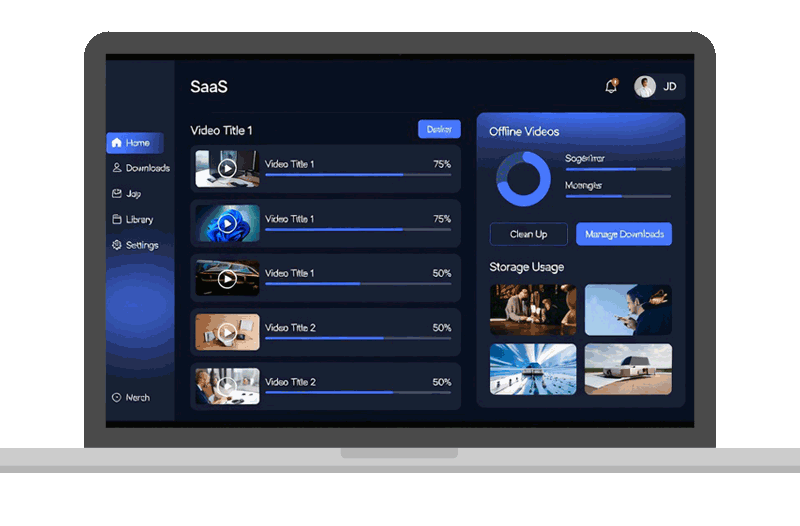
Netflix downloads on Windows PC

Netflix Download Limit on Windows PC

Windows users can download supported Netflix movies and TV shows through the official Netflix application.

However, downloaded videos are stored inside Netflix's protected environment and can only be played through the Netflix app.

  • Netflix app required for playback
  • Downloads depend on available storage
  • Videos cannot be moved as normal files
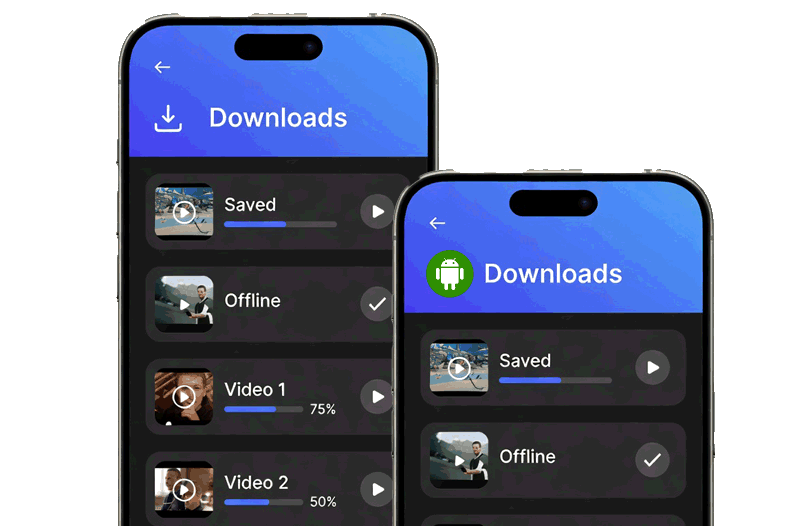
Netflix downloads on Android devices

Netflix Download Limit on Android Devices

Android users can download supported Netflix content directly through the official Netflix app.

The available downloads depend on factors such as device storage, account settings, and title availability.

  • Storage space affects download capacity
  • Some titles may not support downloads
  • Downloads remain inside Netflix app
Netflix downloads on iPhone and iPad

Netflix Download Limit on iPhone and iPad

iPhone and iPad users can download available Netflix titles through the Netflix mobile application.

Downloaded movies and shows are encrypted and can only be accessed inside the Netflix app.

  • Offline viewing without internet connection
  • Limited by Netflix download rules
  • Cannot export downloaded files
Netflix downloads on Mac computers

Netflix Download Limit on Mac Computers

Unlike Windows, Netflix does not provide the same native offline download experience for macOS users.

Mac users who want to watch Netflix content offline often look for alternative solutions that provide more flexible video management.

  • No official Netflix offline app for Mac
  • Browser streaming requires internet connection
  • Users need flexible offline solutions

Netflix download availability varies across devices. Understanding these differences helps you better manage offline viewing.
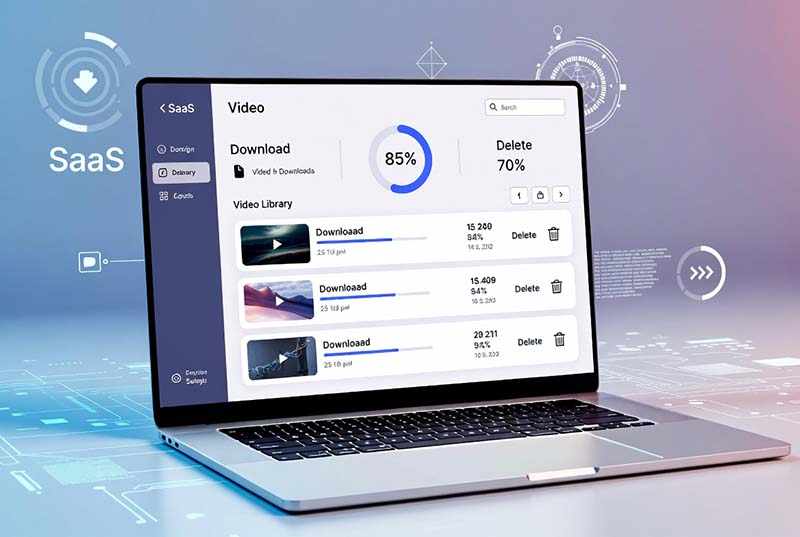
Why Does Netflix Limit Downloads?

Netflix download restrictions are designed to protect content rights, manage storage usage, and control offline availability.

Content Licensing Agreements

Netflix does not own every movie and TV show available on its platform. Many titles are provided through agreements with studios and distributors, which determine whether content can be downloaded and how long downloads remain available.

Copyright Protection (DRM)

Netflix uses Digital Rights Management (DRM) technology to protect downloaded movies and shows. This prevents downloaded content from being copied, shared, or played outside authorized applications.

Device Storage Management

High-quality video downloads require significant storage space. Download limitations help users manage device capacity and avoid excessive storage usage.

Netflix Download Restrictions Are Not Random

Many users assume Netflix limits downloads because of technical issues. However, most restrictions are related to licensing agreements, digital content protection, and platform management.

For example, a movie may be available for streaming but not available for offline download because the content owner has different distribution rules.

Similarly, a downloaded title may expire after a certain period because Netflix needs to verify that the content is still available under the current licensing agreement.

Because Netflix downloads are protected and app-based, many users look for more flexible ways to manage offline videos.

Why Netflix Downloads Expire

1. License Rules

Content providers define how long offline copies are available.

2. DRM Verification

Netflix checks download authorization through the app.

3. Subscription Status

Downloaded content requires an active Netflix account.

Common Netflix Download Limit Errors

Many users encounter Netflix download restrictions while saving movies and TV shows offline. Here are the most common errors and possible solutions.

Netflix limits offline downloads across supported devices. If your account already has downloads saved on multiple devices, you may need to remove existing downloads before adding new ones.

Possible Solutions:
  • Delete watched downloads from unused devices
  • Sign out from old devices
  • Manage connected devices in your Netflix account

Some Netflix titles have restrictions on how many times they can be downloaded. This limitation is usually related to licensing agreements.

Possible Solutions:
  • Wait until the download restriction resets
  • Remove the current download and try again
  • Check if another version of the title is available

Netflix downloads are not permanent video files. Some downloaded movies and episodes expire after a certain period.

When a download expires, Netflix may require you to reconnect to the internet or download the title again.

Possible Solutions:
  • Open Netflix while connected to the internet
  • Renew the download if the title is still available
  • Check the title availability in your region

Not every Netflix movie or TV show supports offline downloads. Download availability depends on content rights and regional licensing.

Possible Solutions:
  • Look for titles with the download icon
  • Check Netflix availability in your region
  • Try another supported title

Download issues can sometimes happen because of app versions, device storage problems, or network conditions.

Try These Fixes:
  • Update the Netflix application
  • Restart your device
  • Check available storage space
  • Reconnect to the internet

How to Avoid Netflix Download Restrictions

Netflix's official offline feature is designed for temporary viewing. Download availability depends on Netflix's app, account rules, and content licenses.

If you need more flexibility for offline video management, standard video formats provide easier playback across different devices.

How to Manage Netflix Downloads

Managing downloaded titles properly can help you save storage space, avoid download restrictions, and enjoy smoother offline viewing.

Manage Netflix downloads and remove saved videos

Delete Watched Downloads

Downloaded Netflix movies and episodes can quickly consume device storage, especially when saved in higher quality.

Removing watched content regularly helps free space and allows you to download new titles when available.

  • Remove movies and episodes you no longer need
  • Free storage space for new downloads
  • Avoid reaching device storage limits
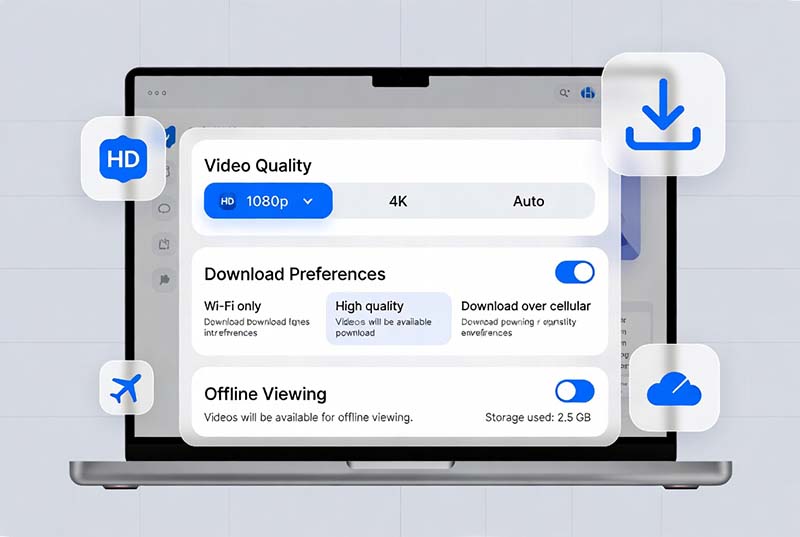
Netflix download settings and video quality options

Adjust Download Settings

Netflix provides several options to help users manage offline content, including download quality and Smart Downloads features.

  • Choose video quality settings
  • Manage automatic episode downloads
  • Control storage usage
Netflix download availability for movies and TV shows

Check Download Availability

Not every Netflix movie or TV show supports offline downloads. Availability depends on licensing agreements, content providers, and regional restrictions.

Before downloading, look for the download icon next to supported titles.

  • Download only supported titles
  • Check regional availability
  • Review expiration dates

Netflix Download Management Tips

Keep Storage Clean

Delete old downloads regularly to maintain enough storage.

Use Wi-Fi Downloads

Downloading over Wi-Fi avoids mobile data usage.

Check Expiration Dates

Renew downloads before they expire.

Netflix Downloads Are Convenient, But Still Limited

The official Netflix download feature is useful for temporary offline viewing. However, downloaded videos remain restricted to the Netflix app and cannot be managed as normal video files.

For users who want more flexibility, standard video formats provide easier playback and storage options.

Netflix Download Limitations Compared With MP4 Files

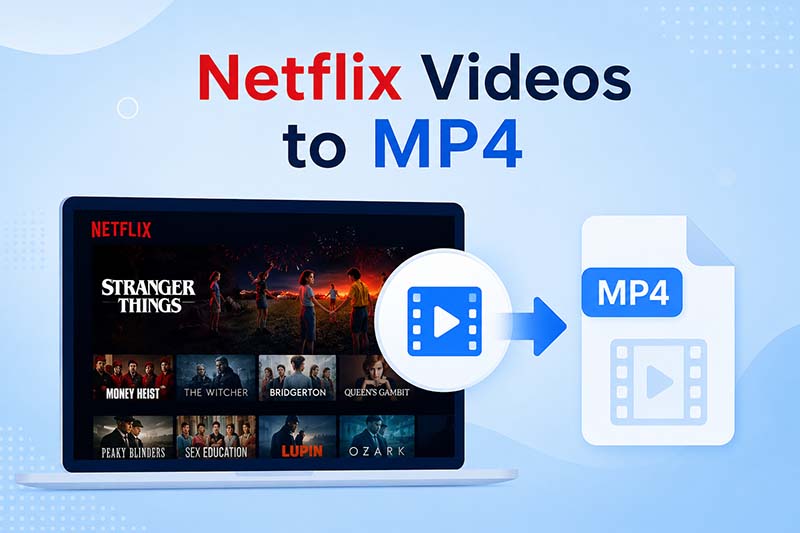
Netflix offline downloads are convenient, but MP4 files provide more flexibility for storage, playback, and device compatibility.

Feature Netflix Offline Download MP4 Video File
Offline Playback ✓ Yes ✓ Yes
Requires Official App ✓ Yes ✕ No
Play With VLC / Media Players ✕ No ✓ Yes
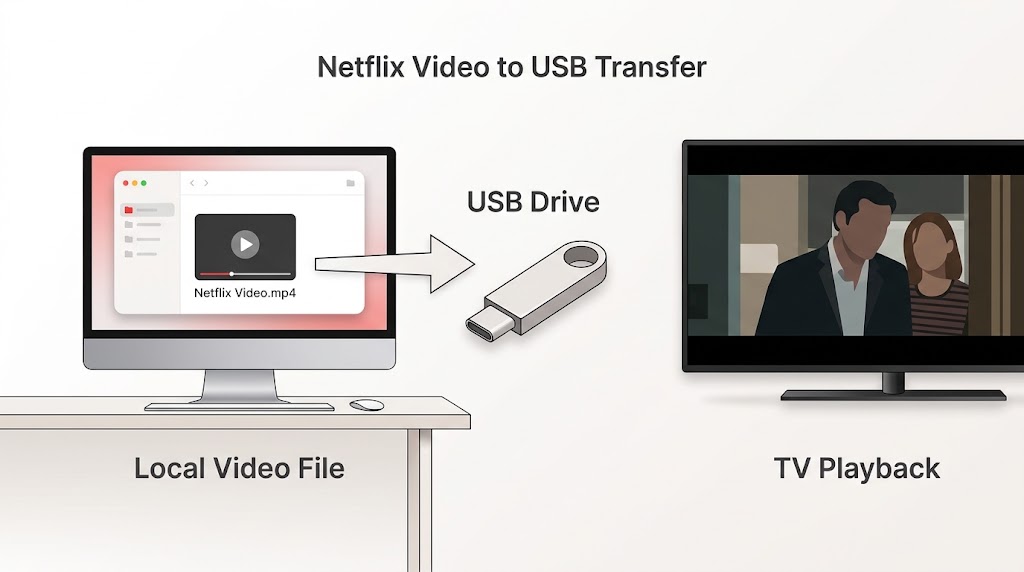
Transfer To USB Drive ✕ No ✓ Yes
Backup To External Storage ✕ No ✓ Yes
Watch After Subscription Ends ✕ No ✓ Yes
Multi-device Playback Limited ✓ Flexible

Why Do Users Prefer MP4 Videos?

MP4 files work with more devices and media players, allowing users to organize, transfer, and enjoy their offline video collection more freely.

Play Anywhere

Enjoy saved videos on computers, tablets, smart TVs, and compatible media players.

Build Your Video Library

Organize downloaded videos, create backups, and manage your collection your way.

Flexible Playback

Play videos with your preferred players without being limited to one application.

Save Netflix videos as MP4 for offline viewing

Need More Flexible Offline Viewing?

TuneBoto Video One provides a smarter way to manage streaming videos. Save supported online videos in common formats and enjoy playback with greater flexibility.

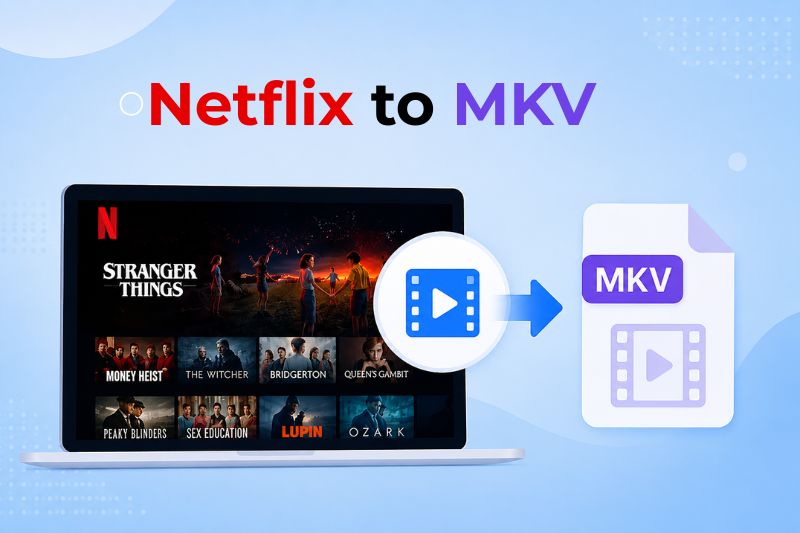
  • MP4 and MKV output support
  • Keep HD video quality
  • Preserve subtitles and audio tracks
  • Watch videos on more devices
Learn More About TuneBoto Video One

How to Save Netflix Videos More Flexibly

Enjoy a more convenient way to manage your offline video collection with flexible formats, better compatibility, and easier playback.

Netflix's official download feature is designed for temporary offline viewing. Downloaded titles remain inside the Netflix app and follow platform limitations.

For users who want more control over their offline media collection, saving videos in standard formats provides a more flexible experience.

TuneBoto Video One is an all-in-one streaming video downloader designed to help users manage videos from popular streaming platforms and enjoy offline playback with greater flexibility.

Download Netflix videos with TuneBoto Video One

TuneBoto Video One: Your Flexible Offline Video Solution

Save supported streaming videos and enjoy them on your preferred devices. Create your personal offline video library with flexible playback options.

  • Download supported Netflix movies and TV shows
  • Save videos in MP4 or MKV format
  • Keep HD video quality
  • Preserve subtitles and multilingual audio tracks
  • Watch saved videos offline on more devices
Explore TuneBoto Video One

Supports 1,000+ Streaming Websites

Download videos from popular streaming platforms with one powerful solution.

High Quality Video

Keep clear video quality for a better offline viewing experience.

Flexible Formats

Save videos in widely compatible formats such as MP4 and MKV.

Play Anywhere

Enjoy your offline video collection across more compatible devices.

Ready to Enjoy More Flexible Offline Viewing?

Download TuneBoto Video One and manage your offline video collection today.

Free Trial for Windows Free Trial for Mac
✓ Safe & Secure    ✓ No Ads    ✓ Free Trial

Frequently Asked Questions

Find answers to common questions about Netflix downloads and offline viewing.

Netflix does not provide one fixed download limit for all users. The number of available downloads depends on your device, storage space, account settings, and content licensing restrictions.

This message usually appears when you have reached a device, title, or licensing-related download restriction. Removing old downloads or managing connected devices may help.

Yes. Some Netflix downloads expire after a certain period. Expiration depends on content licenses and Netflix availability.

Netflix official downloads are stored inside the Netflix app and cannot be exported as standard video files. Users who need more flexible offline video management often look for solutions that support common formats.

You can use Netflix's official download feature through supported devices. For users who need more flexible video management, TuneBoto Video One provides additional options for supported streaming platforms.

Yes. TuneBoto Video One supports Netflix and many other popular streaming platforms, helping users manage supported online videos with flexible playback options.

Yes. TuneBoto Video One supports both Windows and macOS, allowing users to enjoy offline video management on desktop computers.

arrow-up icon