Updated for 2026

8 Best Anonymous Instagram Profile Viewers in 2026

Compare no-login Instagram profile viewers for PC, iPhone, and Android, including supported content, account requirements, strengths, and limitations.

PC & Web iOS & Safari Android Public Profiles

What Is an Anonymous Instagram Profile Viewer?

Browsing Instagram without an account can be difficult. Login prompts may limit access to public profile feeds, and viewing Stories in the Instagram app can associate that activity with your account. An anonymous Instagram profile viewer is a third-party website or service that may let you browse publicly available posts, Reels, or Stories without signing in to Instagram.

The eight options below cover desktop browsers, iOS, and Android. Features and availability can change, and third-party services may collect usage data or stop working without notice. Do not enter your Instagram password into an unofficial viewer.

Important: These services cannot legitimately reveal private accounts or bypass Instagram privacy settings. Only view public content, respect creators' rights, and check each service's privacy policy before using it.

Quick Comparison: Anonymous Instagram Viewers

ToolCategoryAccount Required?Supported ContentPrimary Strength
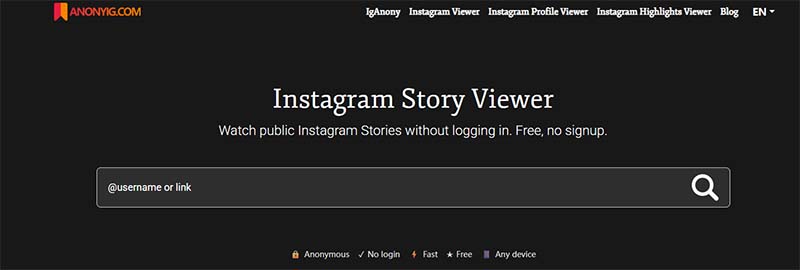
AnonyIGWeb / PCNoPosts, Reels, Stories, HighlightsFast browsing
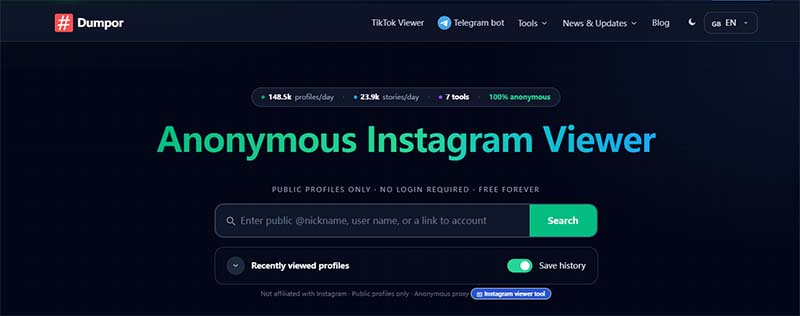
DumporWeb / PCNoPosts, Reels, Stories, Tagged mediaFollower-ratio analysis
InvizioWeb / PCNoPosts, Reels, Stories, HighlightsClean interface
StoryNavigationiOS / SafariNoPosts, Reels, Stories, HighlightsMobile-friendly browsing
ViewSocialsiOS / SafariNoPosts, Reels, Stories, HighlightsMobile media previews
GlassagramiOS / CloudYes for trackingStories, Highlights, Posts, ReelsScheduled profile updates
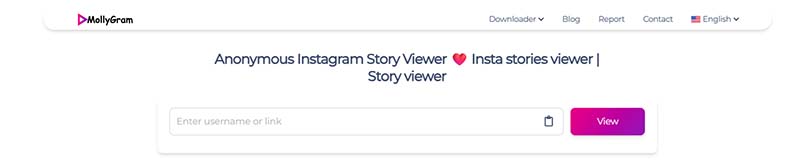
MollyGramAndroid / WebNoPosts, Reels, Stories, HighlightsAndroid browser support
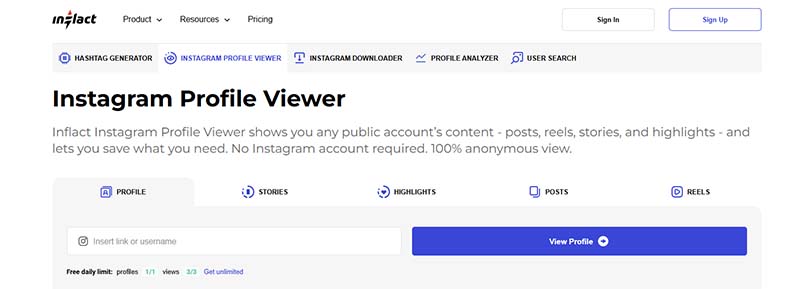
InflactAndroid / Web / PCNo for basic viewingPosts, Reels, Stories, profile detailsProfile metadata

Best Anonymous Instagram Viewers for Web & PC

Desktop browsers offer more room for profile evaluation, metadata checks, and competitor research.

AnonyIG Instagram profile viewer
Web / PC

1. AnonyIG

AnonyIG is a web-based profile viewer designed for quick browsing. The service fetches public profile data through its own infrastructure, so the Instagram request is not made from your signed-in app session.

  • Platforms: Chrome, Firefox, Safari, Edge
  • Account: Not required
  • Content: Posts, Reels, Stories, Highlights

How to use

  • 1. Open the AnonyIG website.
  • 2. Enter a public profile URL or username.
  • 3. Browse available posts, Stories, or Reels.

Pros

  • No sign-up or fee is required.
  • May retain some expired Stories for a limited time.

Cons

  • Only works with public accounts.
  • May be rate-limited during busy periods.
Dumpor Instagram profile viewer
Web / PC

2. Dumpor

Dumpor combines profile browsing with basic analytics. It can display public photos and videos and may show follower-to-following ratios for profile comparisons.

  • Platforms: Web / PC browser
  • Account: Not required
  • Content: Posts, Reels, Stories, Highlights, tagged media

How to use

  • 1. Visit the Dumpor homepage.
  • 2. Enter the Instagram handle.
  • 3. Use the available tabs to explore feed or tagged media.

Pros

  • Displays public follower metrics without login.
  • Offers location-tag and hashtag search features.

Cons

  • May display third-party advertisements.
  • Large galleries can load slowly.
Invizio Instagram profile viewer
Web / PC

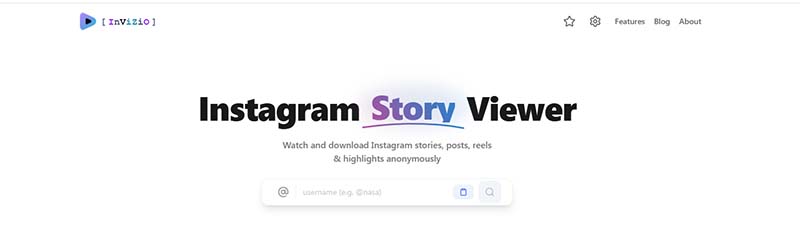
3. Invizio

Invizio focuses on a simple interface for browsing public profiles, Stories, and Reels in a desktop browser.

  • Platforms: Web, macOS, Windows
  • Account: Not required
  • Content: Posts, Reels, Stories, Highlights

How to use

  • 1. Open the Invizio website.
  • 2. Enter the exact public username.
  • 3. Select a post or Story to view available media.

Pros

  • Clean, responsive layout.
  • Designed to minimize visual distractions.

Cons

  • May not support bulk profile downloads.
  • Exact username spelling may be required.

Best Anonymous Instagram Viewers for iOS

These services are intended to work in Safari and help avoid opening the Instagram app while browsing public profiles.

StoryNavigation Instagram profile viewer
iOS / Safari

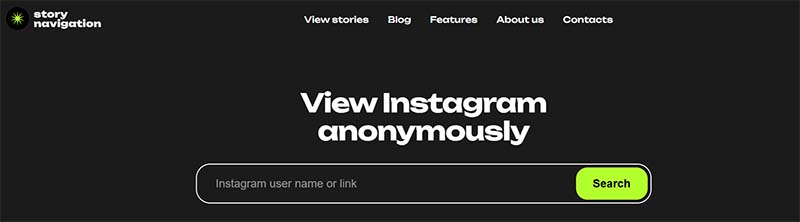
4. StoryNavigation

StoryNavigation is a mobile-friendly web viewer intended for Safari. It provides a way to browse public Stories, posts, and Reels without navigating into the native Instagram app.

  • Platforms: iOS (Safari), iPadOS, Web
  • Account: Not required
  • Content: Posts, Stories, Reels, Highlights

How to use

  • 1. Open the website in Safari.
  • 2. Search for the public username.
  • 3. Choose View Profile to open available content.

Pros

  • Touch-friendly interface.
  • Suited to vertical mobile video.

Cons

  • Service performance may vary.
  • Cannot access private accounts.
ViewSocials Instagram profile viewer
iOS / Safari

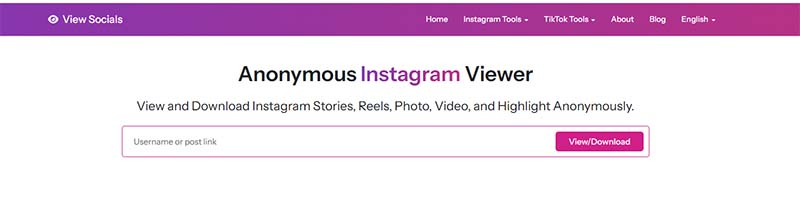
5. ViewSocials

ViewSocials provides mobile media previews, with separate areas for formats such as Reels and Highlights.

  • Platforms: iOS, iPadOS, Web
  • Account: Not required
  • Content: Posts, Reels, Stories, Highlights

How to use

  • 1. Open the service in Safari.
  • 2. Search for a public username.
  • 3. Select a Reels or Stories tab to view available updates.

Pros

  • Designed for mobile media previews.
  • Supports full-screen Story viewing.

Cons

  • May show advertising around controls.
  • Comments may be limited.
Glassagram Instagram profile viewer
iOS / Cloud

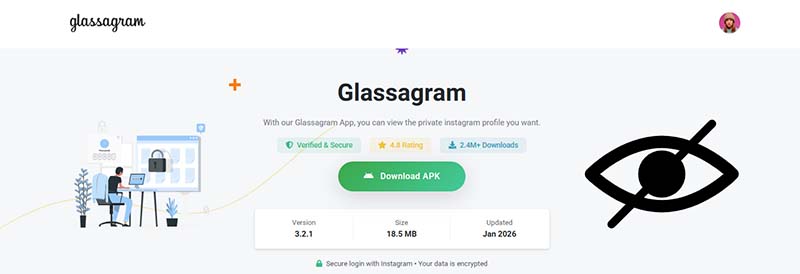
6. Glassagram

Glassagram is a profile-monitoring service that can collect updates in a dashboard. Unlike simple one-time viewers, tracking features may involve creating an account and using a paid plan.

  • Platforms: iOS web dashboard, Android, PC
  • Account: Email sign-up required for tracking
  • Content: Stories, Posts, Reels, Highlights

How to use

  • 1. Create an account on the service website.
  • 2. Add a public username to the dashboard.
  • 3. Review the updates available for that profile.

Pros

  • Can organize multiple profiles in one dashboard.
  • May archive public updates for later review.

Cons

  • Advanced tracking may require a paid subscription.
  • Requires email registration.

Best Anonymous Instagram Viewers for Android

Android users can use mobile browser-based viewers to browse public profile content.

MollyGram Instagram profile viewer
Android / Web

7. MollyGram

Formerly known as Anon IG Viewer, MollyGram is a mobile-oriented web viewer that works in Android browsers and presents public feeds, Highlights, and Reels.

  • Platforms: Android (Chrome, Firefox, Brave), Web
  • Account: Not required
  • Content: Posts, Reels, Stories, Highlights

How to use

  • 1. Open MollyGram in your preferred mobile browser.
  • 2. Enter the public Instagram username.
  • 3. Select a Story or post to preview available media.

Pros

  • Compatible with common Android browsers.
  • May work with the browser's download manager.

Cons

  • Small screens can make playback controls harder to use.
  • Lookups may be delayed during busy periods.
Inflact Instagram profile viewer
Android / Web / PC

8. Inflact (Instagram Profile Viewer)

Inflact offers social media marketing tools, including a profile viewer for public profile details such as bio information, links, Reels, and engagement statistics.

  • Platforms: Android, Web, PC
  • Account: Not required for basic viewing
  • Content: Posts, Reels, Stories, profile bio and metadata

How to use

  • 1. Open Inflact's Profile Viewer.
  • 2. Enter a public handle and select Search.
  • 3. Review the profile information and media available.

Pros

  • Shows profile avatars and bio links.
  • Includes profile information for research.

Cons

  • Promotes other marketing tools.
  • Free lookups may be limited.
Bonus

Download Instagram Reels for Offline Viewing

Online viewers can have limitations such as compressed media, download-size restrictions, or expired links. For public content you have permission to save, TuneBoto Video One provides a desktop workflow for downloading supported Instagram Reels and video posts.

1. Launch & select
2. Paste Reel URL
3. Save MP4

Why use TuneBoto Video One?

TuneBoto Video One software box
  • Video quality: Save supported public Reels and video posts in up to 1080p, subject to source availability.
  • MP4/MKV output: Choose formats compatible with computers and mobile devices.
  • Batch processing: Queue multiple supported videos instead of handling them one by one.
  • Desktop workflow: Download through the Windows or Mac application rather than an ad-heavy web downloader.

How to download an Instagram Reel

  1. Launch the software: Download and open TuneBoto Video One on Windows or Mac.
  2. Enter the video URL: Copy the link to a Reel you are authorized to save and paste it into the search bar.
  3. Configure output: Choose MP4 or MKV, a supported video codec, and an output folder.
  4. Download: Start the download and save the file locally for permitted offline use.

Always respect copyright and the creator's rights. Do not redistribute or use downloaded content commercially without permission.

Frequently Asked Questions

Viewing public profiles is generally different from accessing private content, but laws and service terms vary. Third-party sites are not endorsed by Instagram and may collect data. Avoid sharing passwords, respect copyright, and use only services whose privacy practices you understand.

Instagram may show viewers when you watch a Story while signed in through its official app or website. A third-party viewer may not use your Instagram account, but its behavior and data handling cannot be guaranteed. Do not assume that any service provides complete anonymity.

No legitimate viewer should bypass an account's privacy settings. Be cautious of services claiming to reveal private accounts; they may be scams or attempt to collect personal information. These tools should only be used to view content that is publicly accessible.

Conclusion

Choose an Instagram profile viewer based on your device and needs. AnonyIG and Dumpor are options to compare on desktop, StoryNavigation and ViewSocials are aimed at mobile Safari users, and MollyGram is designed for Android browsing. Glassagram and Inflact offer additional profile tools, but may involve sign-up or usage limits. Features can change, so protect your credentials, respect privacy, and verify current service terms before use.

Want to save a Reel for offline viewing? See our Instagram video downloader guide for desktop download options and steps.

arrow-up icon