Disney Plus Tips
4K Movies on Disney Plus: Best UHD Picks & Setup Guide
Want sharper details, richer colors, and a more cinematic movie night? Here are standout Disney+ movies to look for in 4K UHD, plus practical steps for checking playback quality and fixing common streaming problems.
Availability, video formats, and plan benefits can vary by country, title, and device. Check the title details in your Disney+ app before watching.

Best 4K Movies to Look for on Disney Plus
Disney+ has a deep library of Marvel, Star Wars, Pixar, Disney Animation, and live-action adventure films. These are strong candidates for a high-resolution movie night. Exact UHD, HDR10, or Dolby Vision options may differ by region and device, so confirm the available formats on each title's Details screen.
Marvel
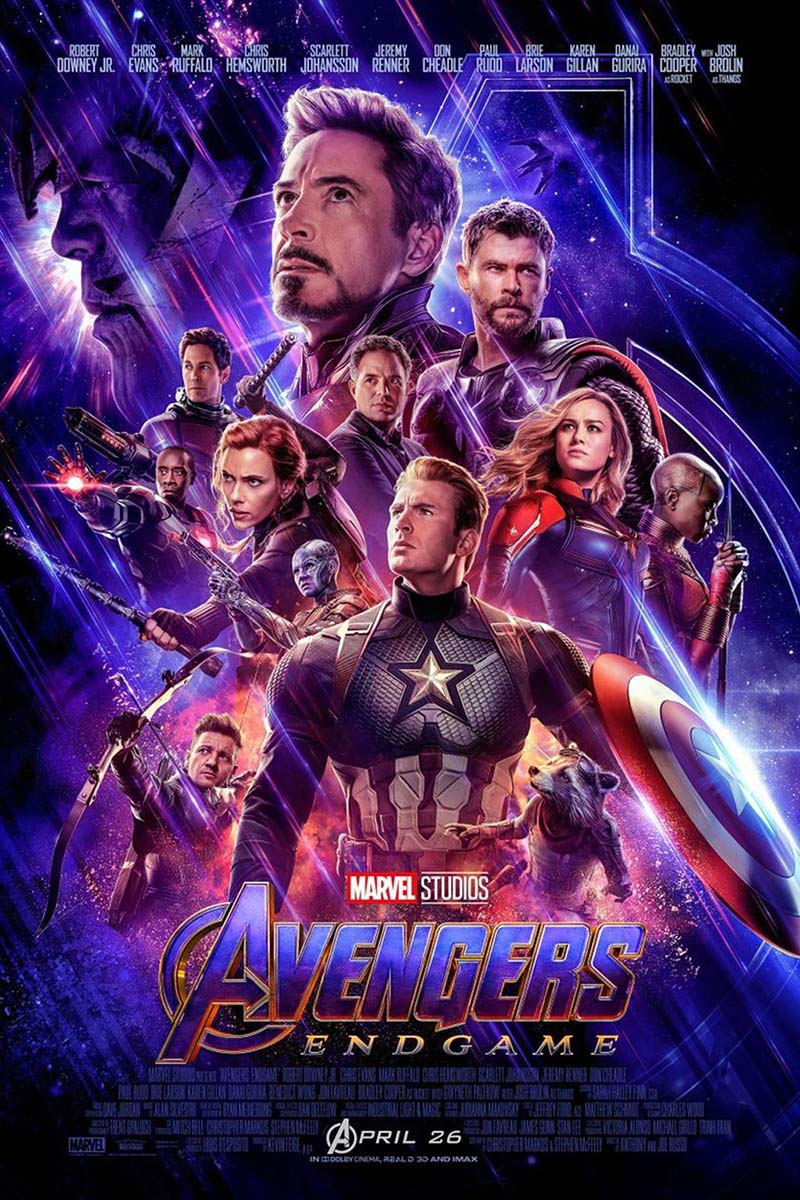
1. Avengers: Endgame
A large-scale superhero finale with detailed costumes, complex battle scenes, and dramatic visual effects. Check whether UHD is available for your title and device.

Marvel
2. Black Panther: Wakanda Forever
Colorful production design, underwater environments, and richly layered sets make this a compelling visual pick for a capable 4K screen.
Marvel
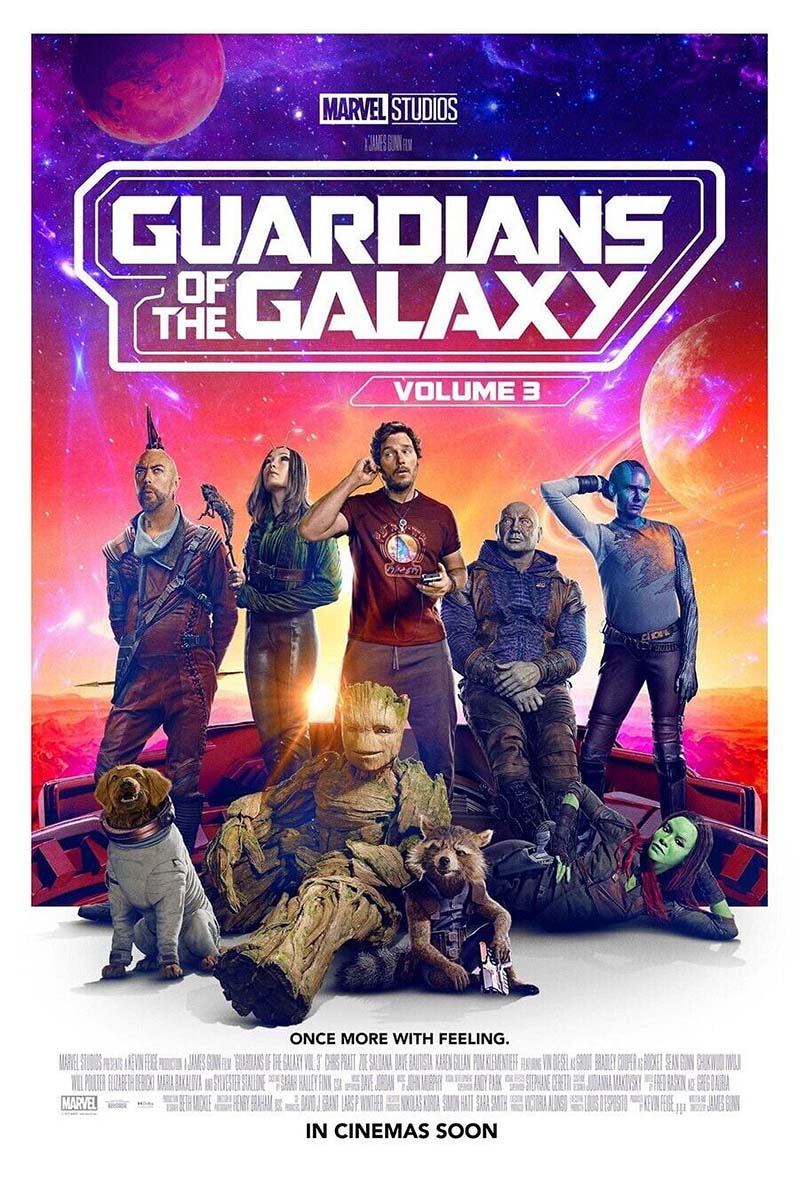
3. Guardians of the Galaxy Vol. 3
A vivid mix of cosmic locations, unusual creatures, and energetic action makes this a good choice for a visually busy sci-fi adventure.

Star Wars
4. Star Wars: The Force Awakens
A blend of detailed environments, space battles, and large-scale effects gives this sequel plenty to enjoy on a large screen.

Star Wars
5. Rogue One: A Star Wars Story
Moody lighting, detailed environments, and cinematic battle sequences make this a strong pick for a Star Wars marathon.

Pixar
6. Coco
Bright colors, intricate set details, and the glowing Land of the Dead make this animated favorite a lively option for family viewing.
Pixar
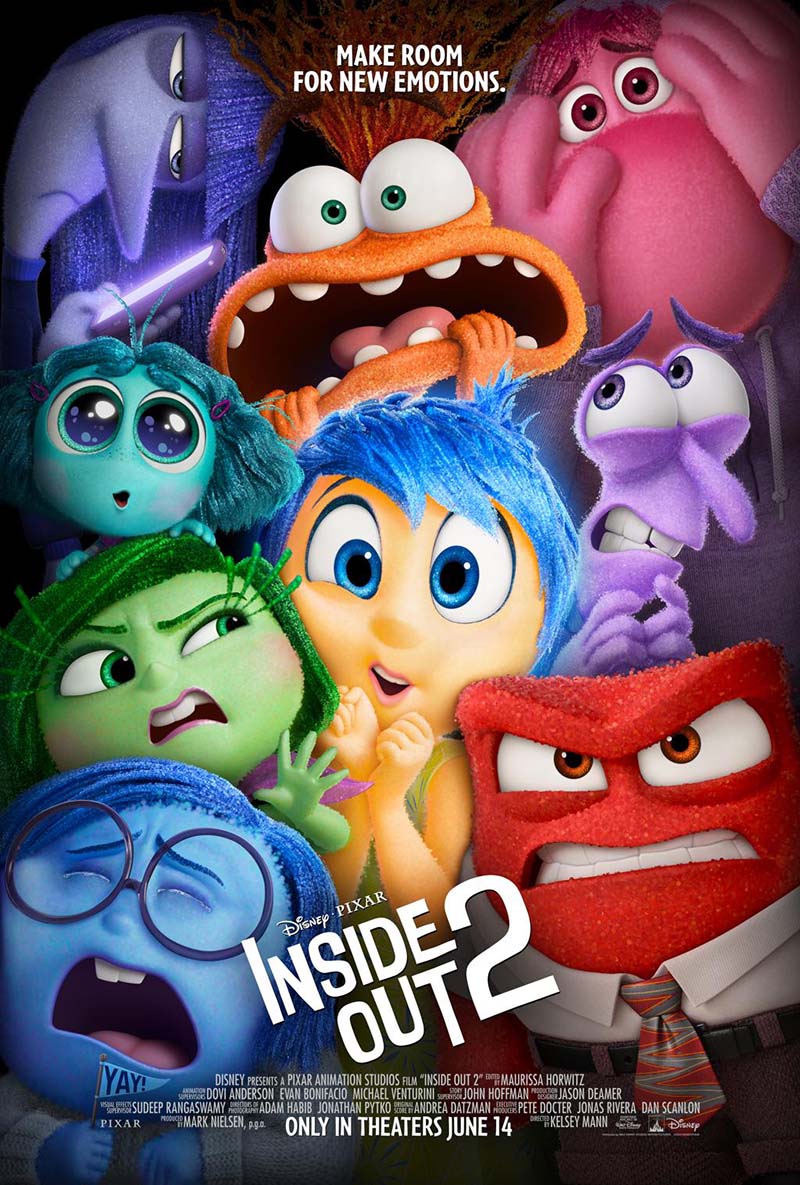
7. Inside Out 2
A colorful animated world with expressive character designs and fine visual details. Check the listing for currently available formats.

Live-action adventure
8. The Lion King (2019)
Detailed animal animation and sweeping savanna landscapes can look impressive on a large, well-calibrated display.

Sci-fi adventure
9. Avatar: The Way of Water
Underwater environments, layered textures, and sweeping landscapes make this visually ambitious film a strong candidate for a big screen.
These are viewing recommendations, not a guarantee that every title is currently offered in 4K in every country. Disney+ catalogs and formats can change.
How to Find and Watch 4K Movies on Disney Plus
Finding a 4K movie is easier when you check the title's playback details rather than relying on search results alone. Follow these steps to identify available UHD content.
- Open Disney+ on a compatible device. For the best chance of 4K playback, use a supported 4K smart TV or TV-connected streaming device.
- Browse the Movies section. Explore collections such as Marvel, Star Wars, Pixar, and Disney Classics. Some versions of the app may feature UHD or HDR collections, but their names and availability can vary.
- Open the movie's Details page. Look for labels such as 4K Ultra HD, UHD, HDR10, or Dolby Vision, when displayed.
- Check your device and plan. A 4K-capable title may still play at a lower resolution if your display, subscription, connection, or playback device doesn't support the required format.
- Start playback and allow the stream to adjust. Disney+ automatically selects a quality level based on the content, device capabilities, and connection conditions.
Can't find a 4K label? Check the title's details in the app on your TV. The formats available on a particular title may differ by country, and the app may not expose the same information on every device.
What You Need to Stream Disney Plus in 4K
| Requirement | What to check |
|---|---|
| A 4K title | The specific movie must be available in 4K UHD in your region. |
| Plan eligibility | Confirm current video-quality benefits for your plan and country. Plan names and benefits differ by market and can change. |
| Compatible device | Use a Disney+-supported 4K TV, streaming player, console, or other compatible device. |
| 4K display | Your TV or monitor must support 4K UHD. HDR also requires compatible hardware throughout the playback chain. |
| Internet connection | Disney+ recommends around 25 Mbps for 4K UHD. A stable connection with spare bandwidth is preferable on a shared network. |
| HDMI and HDCP | External players may require compatible HDMI ports/cables and HDCP 2.2 support across connected devices for 4K/HDR playback. |
Disney+ plan details and supported formats vary by country. Check the official plan information for your market rather than relying on a plan name alone.
Disney Plus 4K Not Working? Try These Fixes
Can You Download Disney Plus Movies for Offline Viewing?
Disney+ offers an official download feature on supported mobile devices and eligible plans in some markets. Downloads stay inside the Disney+ app, and access can depend on your subscription, regional rules, title availability, and periodic online checks. The feature is not available on every device, and not every title can be downloaded.
If you want to watch offline, check the download option in the official app and review Disney+'s current download rules for your region.

TuneBoto Video One
A desktop tool for supported online video workflows
TuneBoto Video One supports video-download workflows across 1,000+ websites. Review its official product page for supported sites, current features, system requirements, and applicable terms before use. It does not guarantee that every Disney+ title or protected stream can be downloaded.
Quick start
- 1. Install the version for your operating system and open Video One.
- 2. Find the desired service in the app and sign in if prompted.
- 3. Choose a supported title, review the available output settings, then start the workflow.
- 4. Check the task status and locate completed files in the app's output folder.
Available services, features, and download options vary. Follow applicable terms and use only content you are authorized to access.
Frequently Asked Questions
Enjoy your next movie night
For the best results, choose a title that offers UHD in your region, use a compatible playback setup, and keep your connection stable. If 4K is not available, the app may stream at a lower supported quality.
